
Tech & devices
How to take a screenshot on a Mac
Learn the Mac screenshot shortcuts for a full screen, selected area, or window, plus where screenshots save and how to copy one to the clipboard.
2 minutes
A little help, right here
73 practical guides. Clear steps, useful details, and answers to the questions that come next.
Looking for a quick answer? Search the question library →73 guides
Learn the Mac screenshot shortcuts for a full screen, selected area, or window, plus where screenshots save and how to copy one to the clipboard.
Take a screenshot on Windows 11 with Snipping Tool. Choose an area or window, capture a menu with a delay, and save a copy you can find.
Clear Safari cache and cookies on your iPhone, choose whether to keep browsing history, and check what to do if the clear button is unavailable.
Clean everyday hard surfaces with a material-appropriate routine. Learn how cleaning differs from disinfecting and what to check on the label.
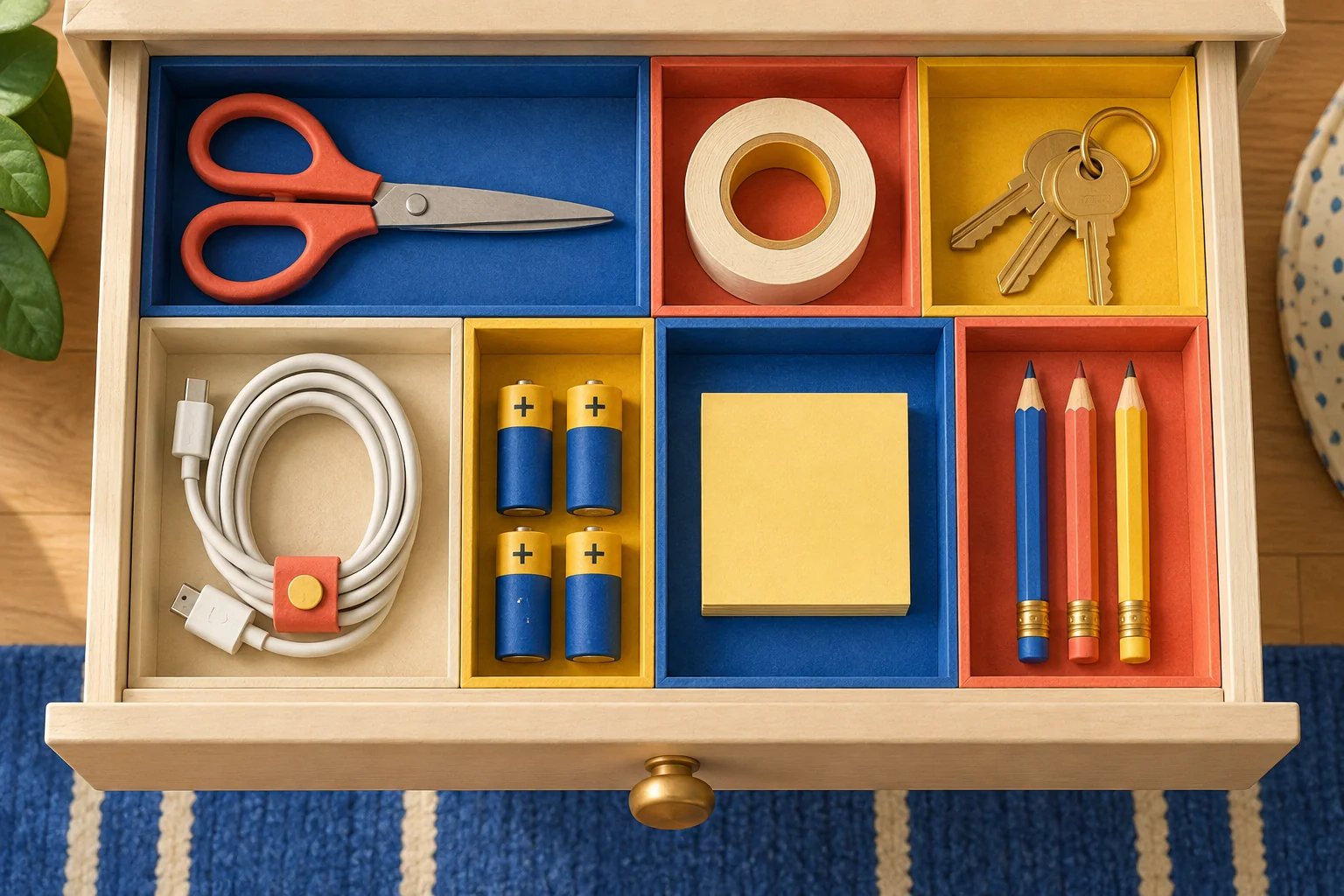
Organize a messy drawer with supplies you already have. Sort its contents, create useful groups, and set up an easy daily reset.

Cook white basmati rice using a saucepan and sieve. Get quantities for two servings, a boil-and-drain method, and safe leftover-storage tips.
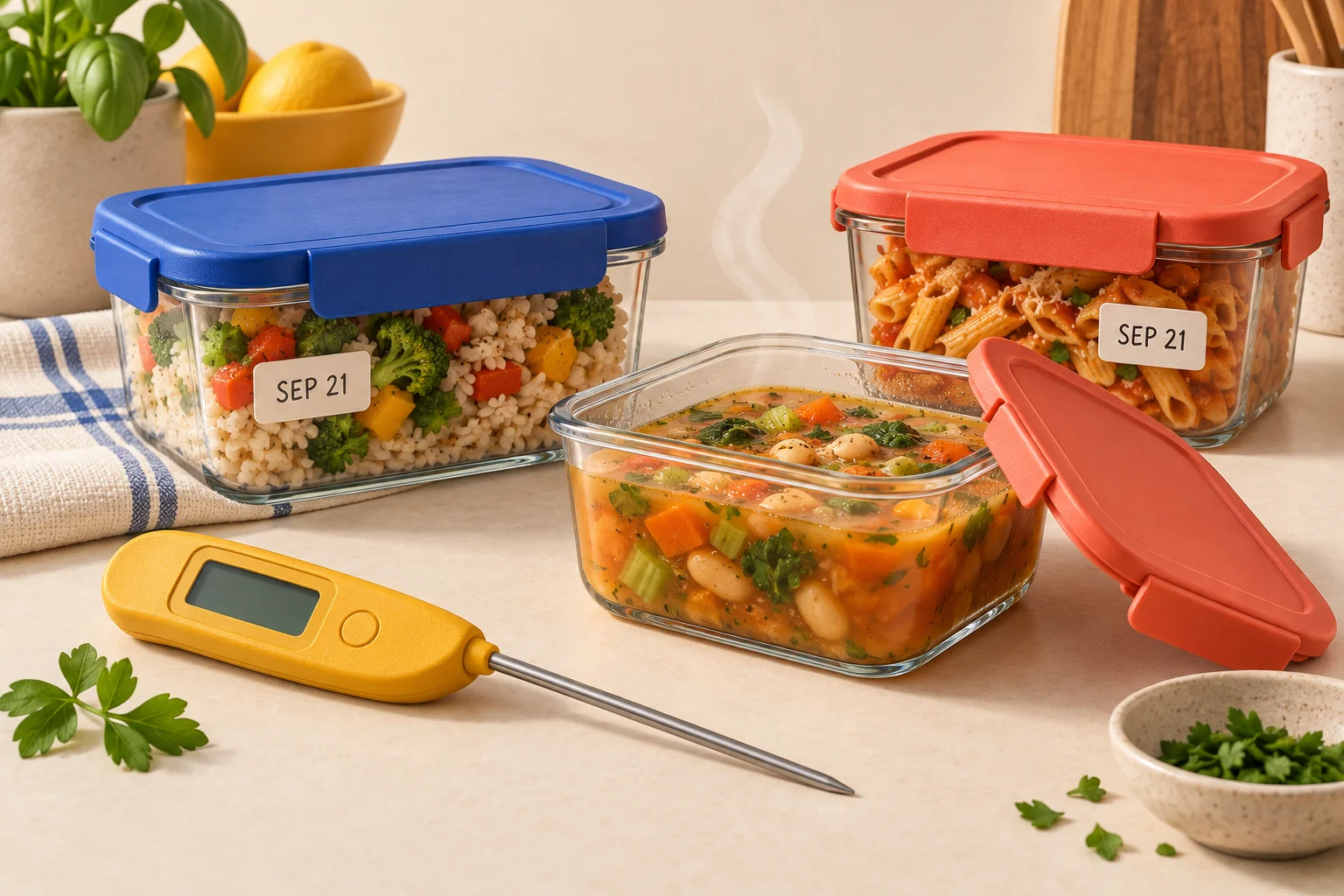
Store cooked leftovers safely with clear refrigerator timings, shallow containers, and a 165°F reheating check. Includes a simple labeling routine.

Tie a four-in-hand necktie knot with six illustrated steps. Learn which loop to use, how to adjust the length, and why the knot is slightly asymmetric.
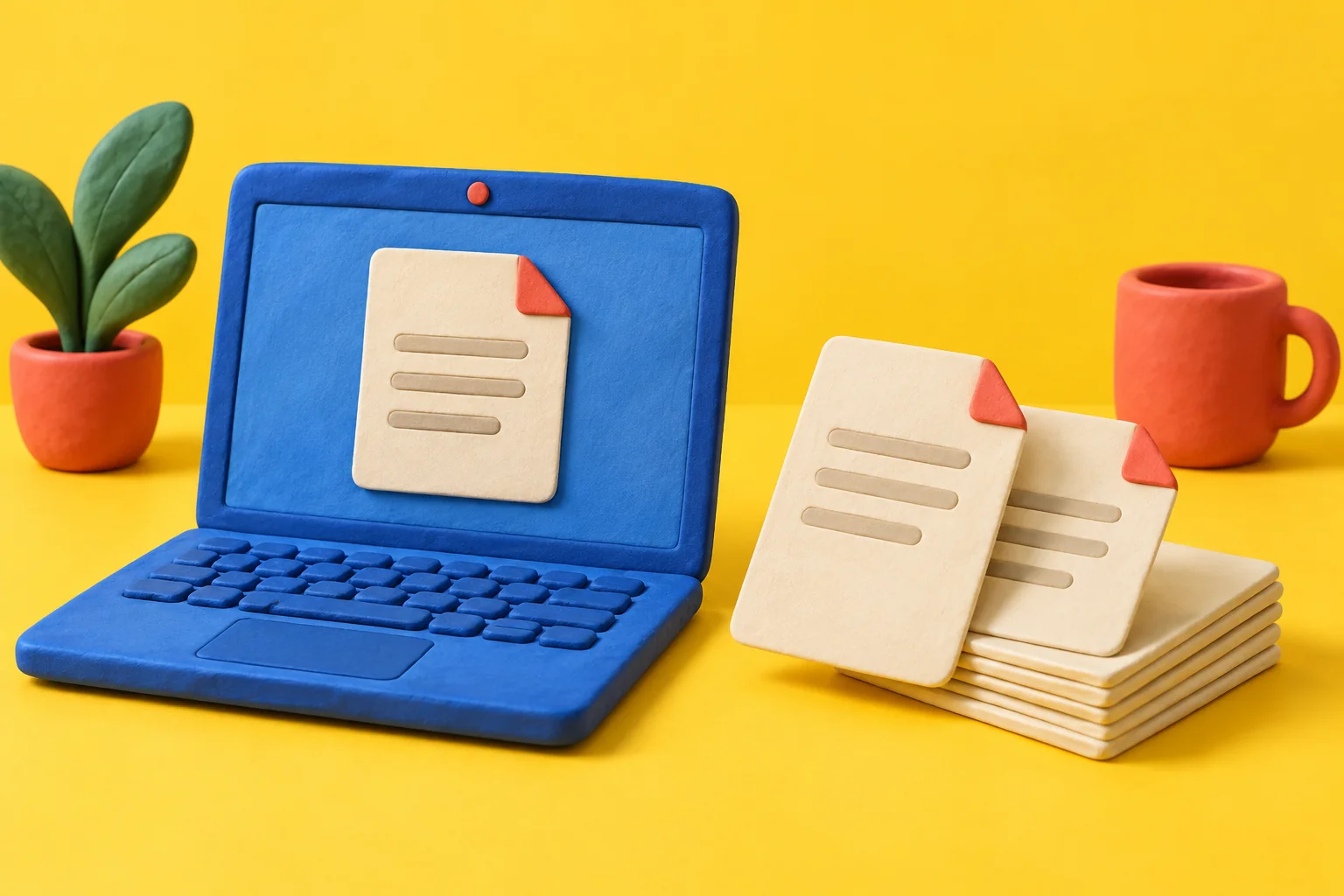
Merge PDF files in Preview, arrange the pages, and save a separate copy without uploading your documents.
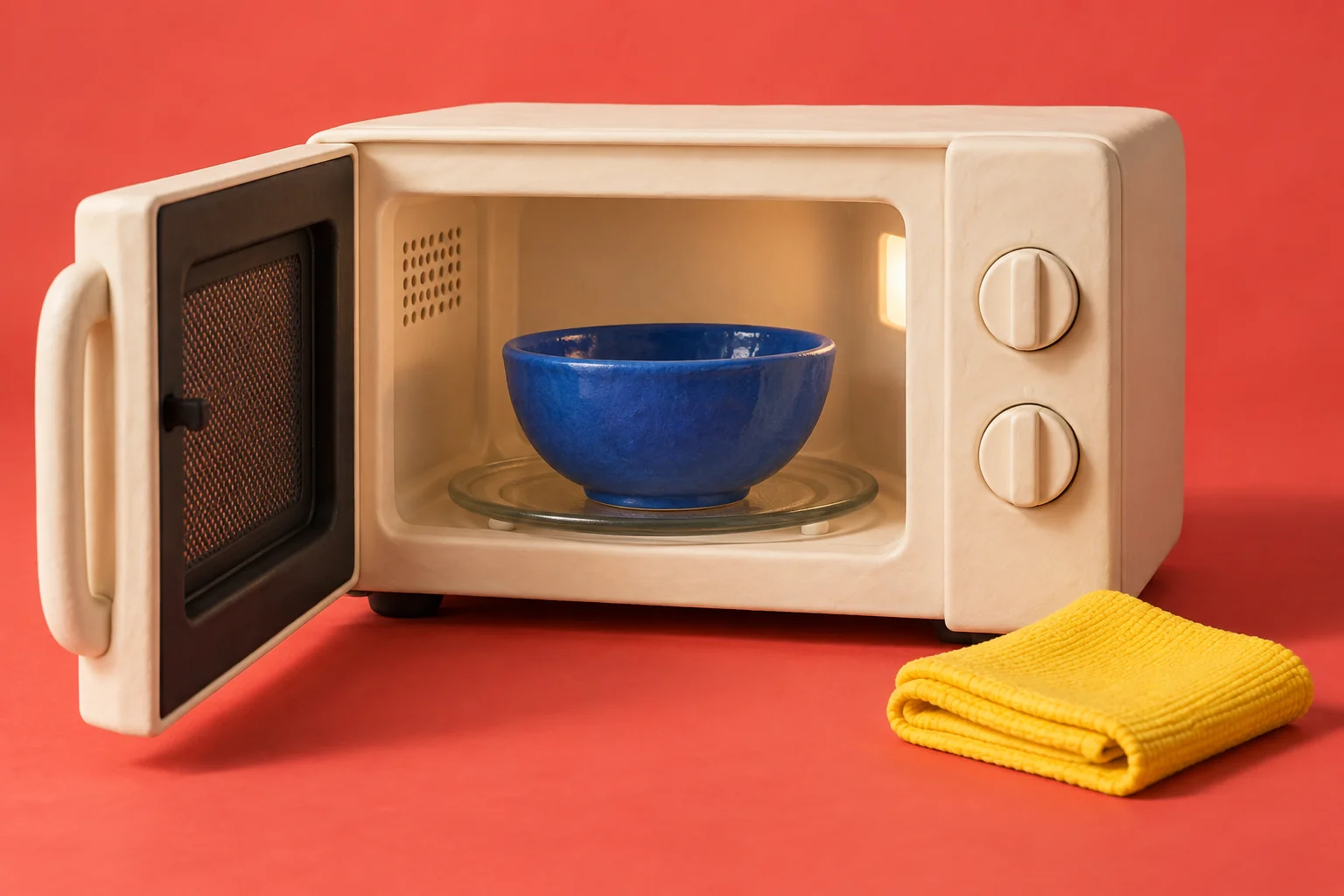
Remove everyday food splashes from a cool microwave using a soft cloth and mild dish soap, then rinse and dry.

Use a covered, off-heat method for large eggs, cool them promptly, and keep track of their refrigerator storage time.
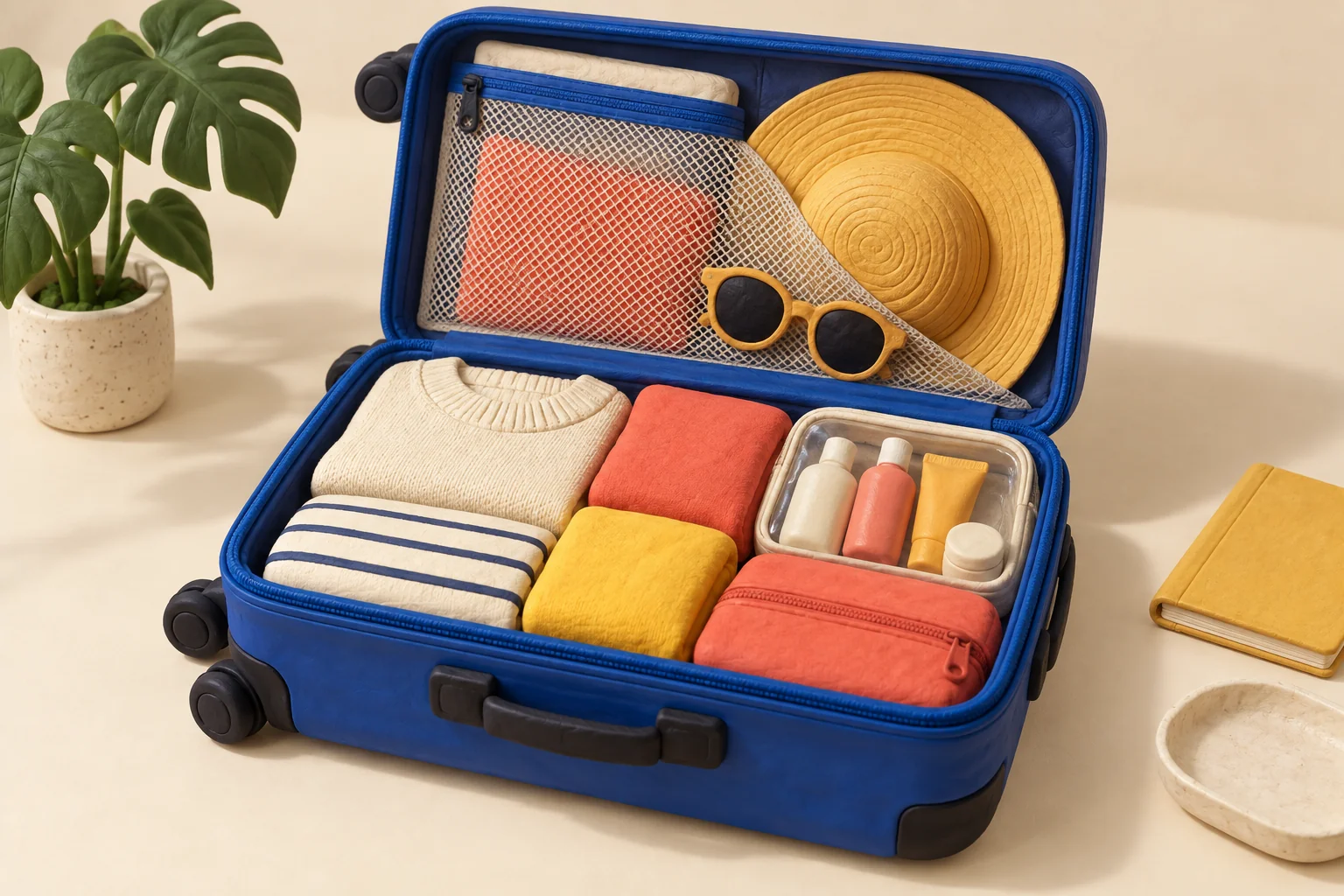
Plan a compact packing list, keep travel essentials accessible, and check US liquid and battery requirements before flying.
Scan several pages into one document with iPhone Notes or Files. Get clean corners, readable text, and a saved copy you can actually find.
Record your iPhone screen, choose whether to include microphone audio, find the video in Photos, and check it before sharing.

Help another Apple device join your Wi-Fi without typing the password. Check the sharing requirements and what to do if the prompt does not appear.
Find downloaded PDFs and other files on your iPhone using Files and Safari. Learn a simple way to name, save, and reopen important downloads.
Use Preview to turn a HEIC photo into a JPEG without uploading it to a converter. Keep the original and check the new file before sending it.
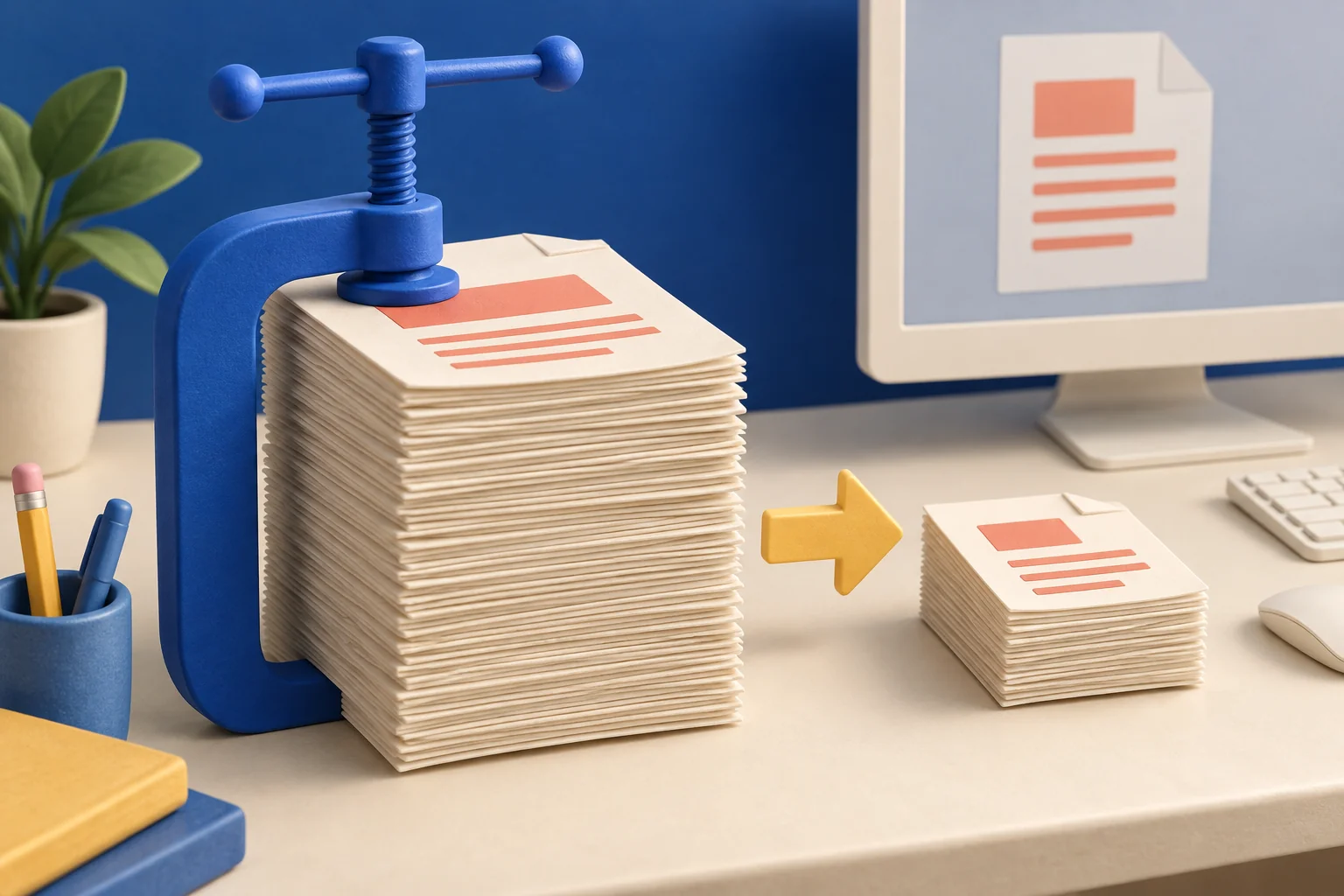
Compress a PDF in Preview, compare file sizes, and check that small text stays readable. Keep the original when preparing a file for upload.
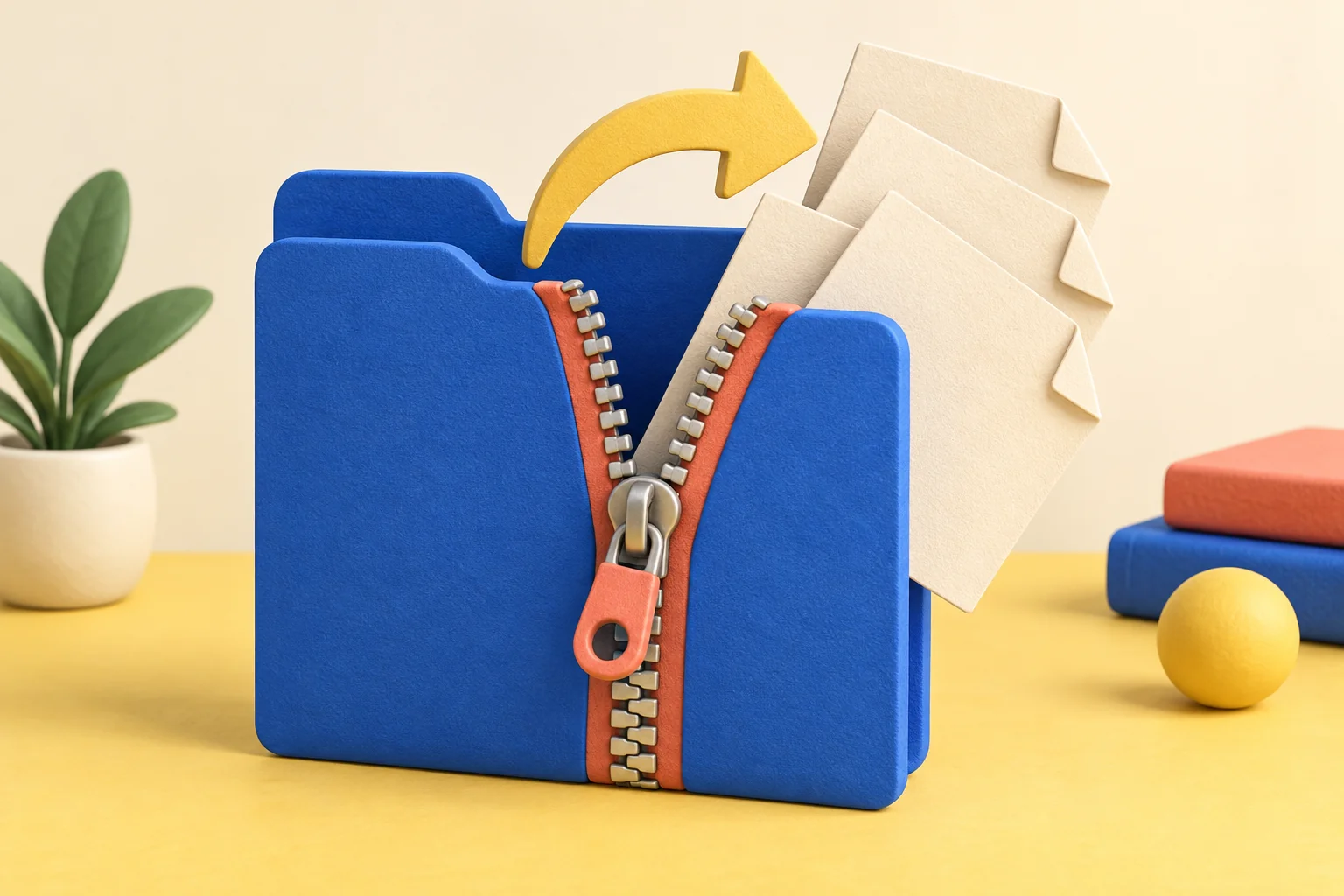
Put several files into one ZIP folder on Windows, extract a ZIP you received, and check the contents before sharing or editing them.
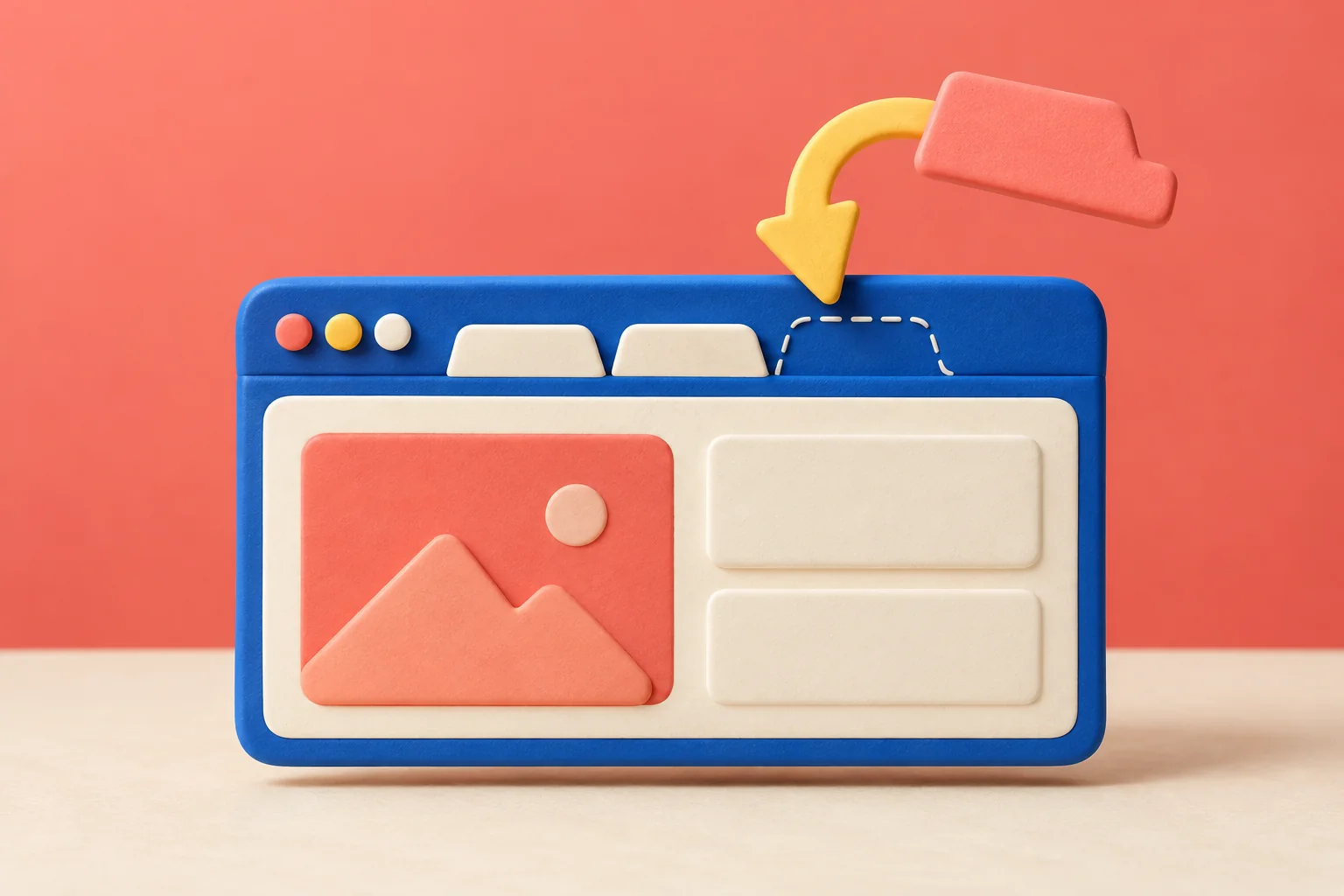
Restore a closed Chrome tab with the Windows or Mac shortcut, find older pages in History, and organize important pages so they are easier to recover.
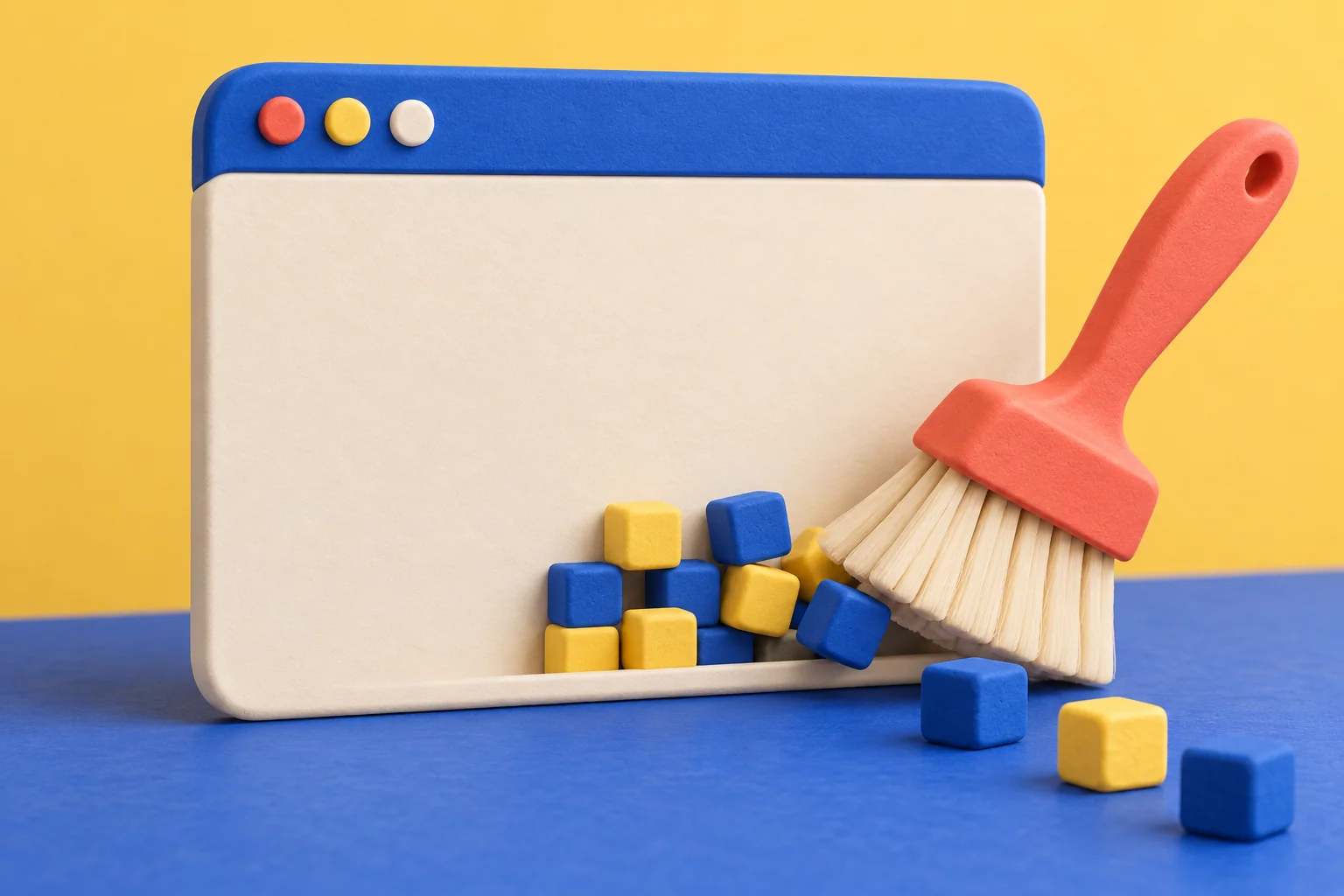
Clear cached images and files in desktop Chrome while keeping unrelated data unchecked. Learn when cookies or another cause may be involved.
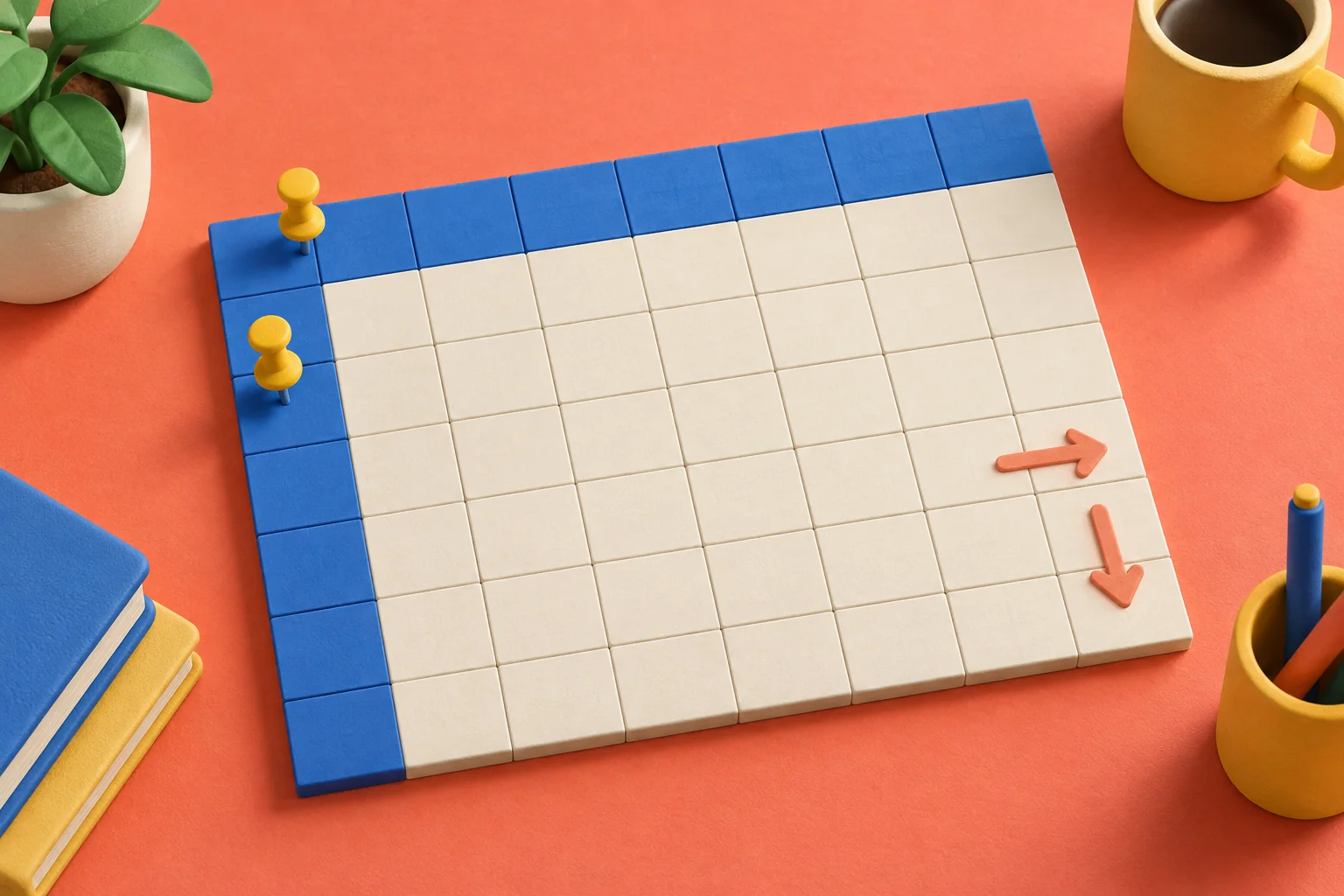
Keep headings visible in Excel with Freeze Panes. Learn which cell to select, how to freeze rows and columns together, and how to undo it.
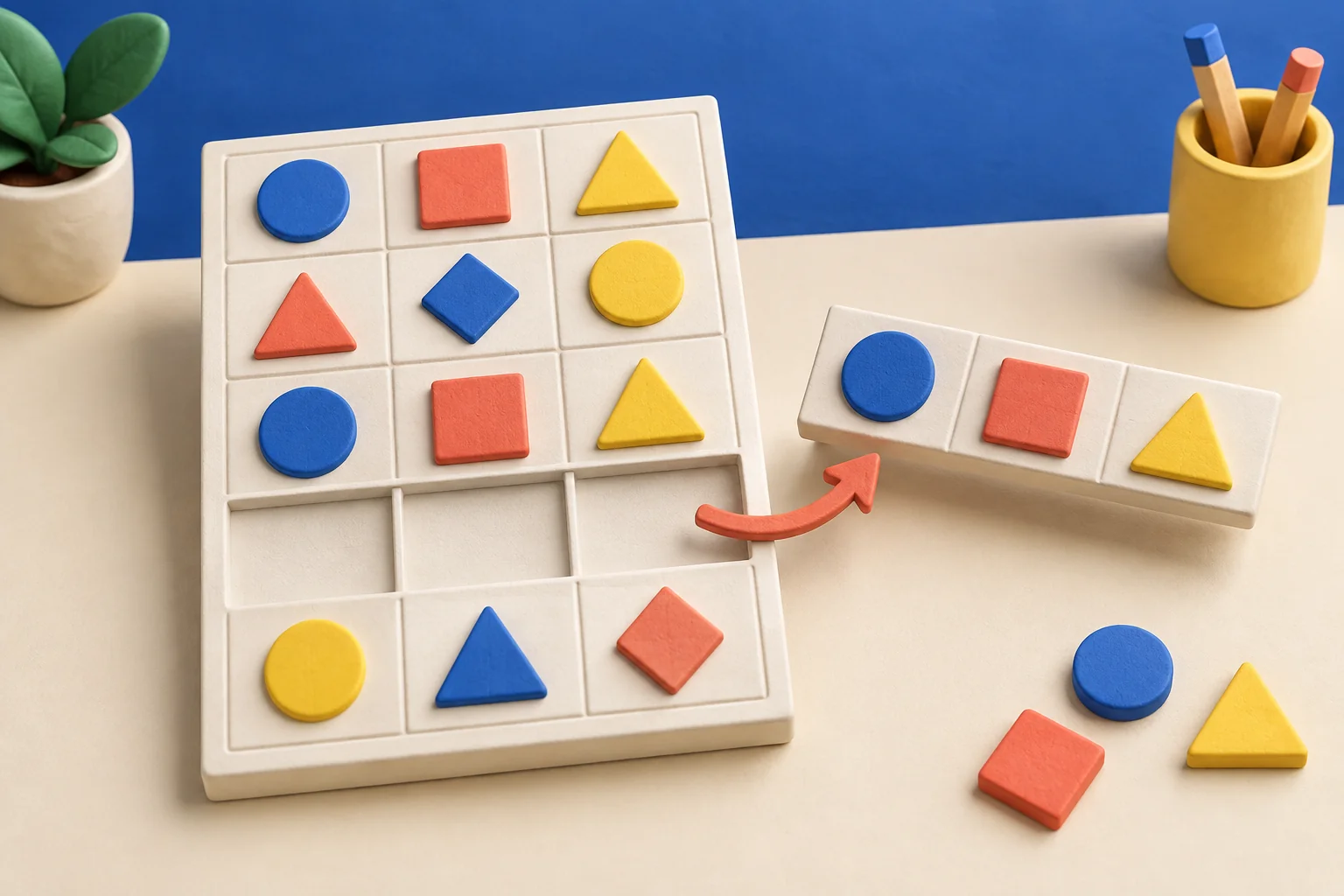
Choose the right duplicate-matching columns in Excel, preserve an original copy, and check removed rows before relying on the cleaned spreadsheet.

Increase iPhone text size using accessibility settings, try bold text, and check the result in the apps you use most.

Turn your iPhone off and back on using the controls for your model. Understand the difference between a normal restart and an erase or reset.
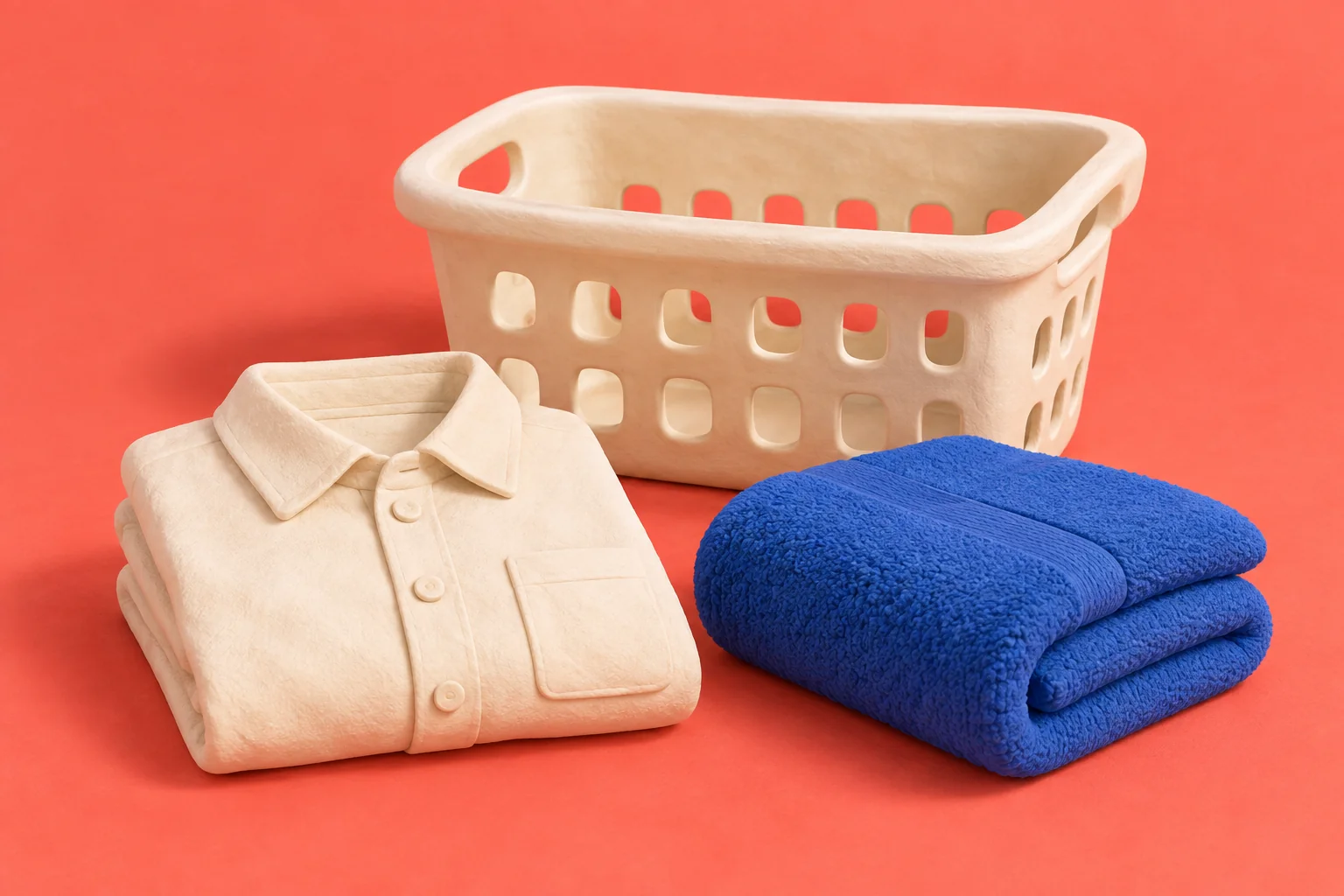
Understand the main washing, drying, bleach, and ironing symbols on clothing labels before choosing a laundry cycle.
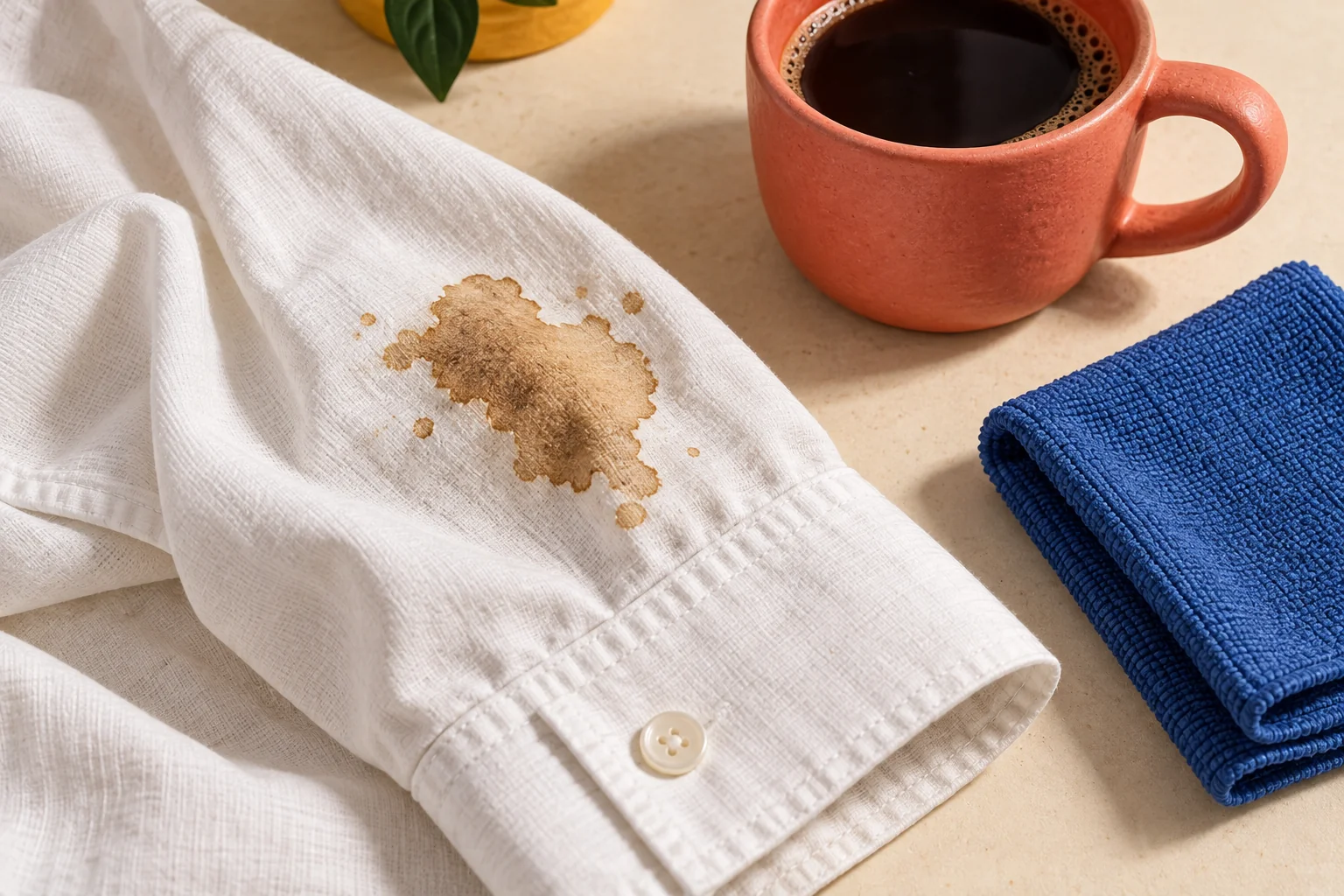
Treat a coffee spill on washable clothing, choose a fabric-safe laundry product, and check the stain before putting the garment in a dryer.
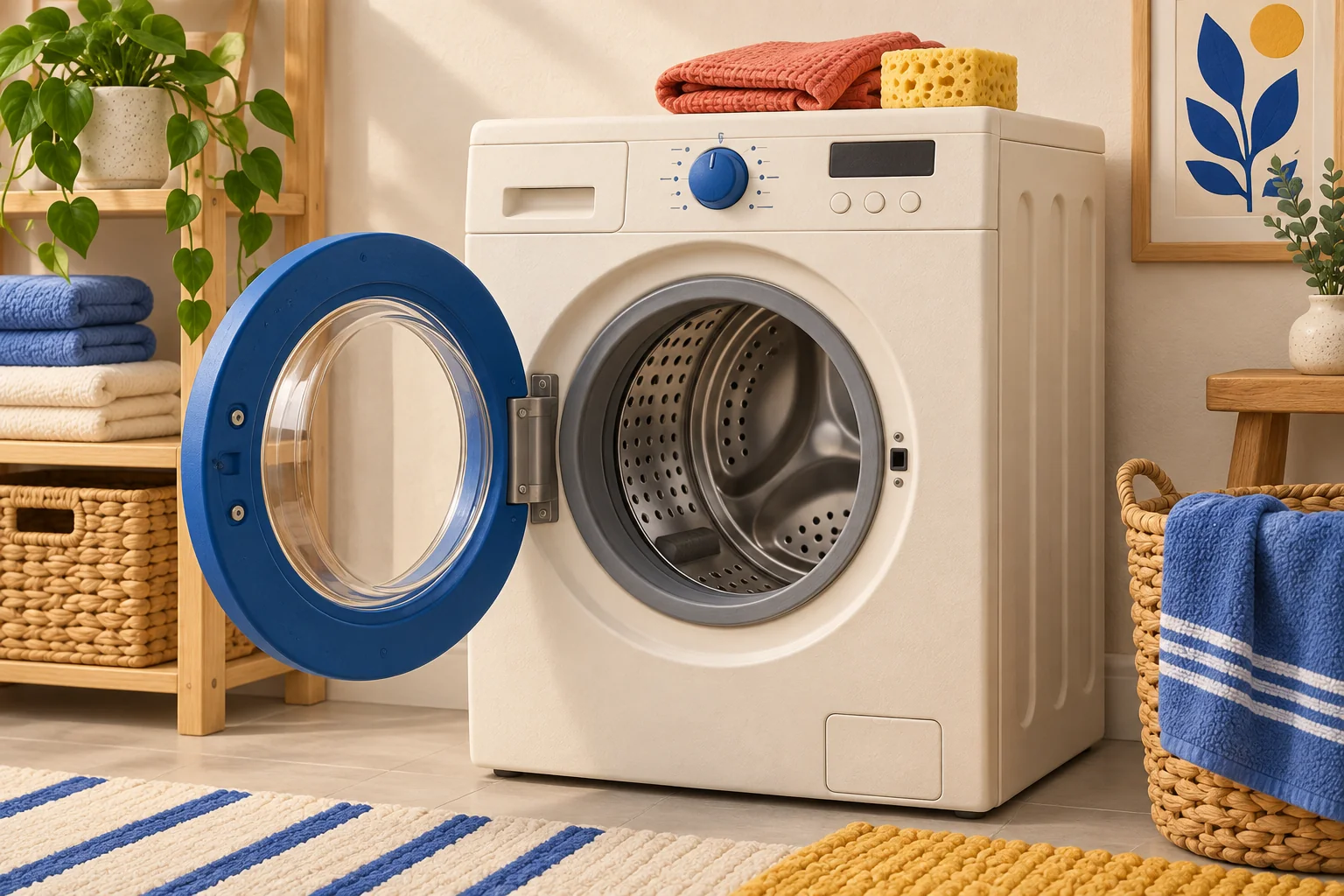
Clean a washer using its approved maintenance cycle, wipe accessible residue, and check dispensers and door seals with the machine’s manual.
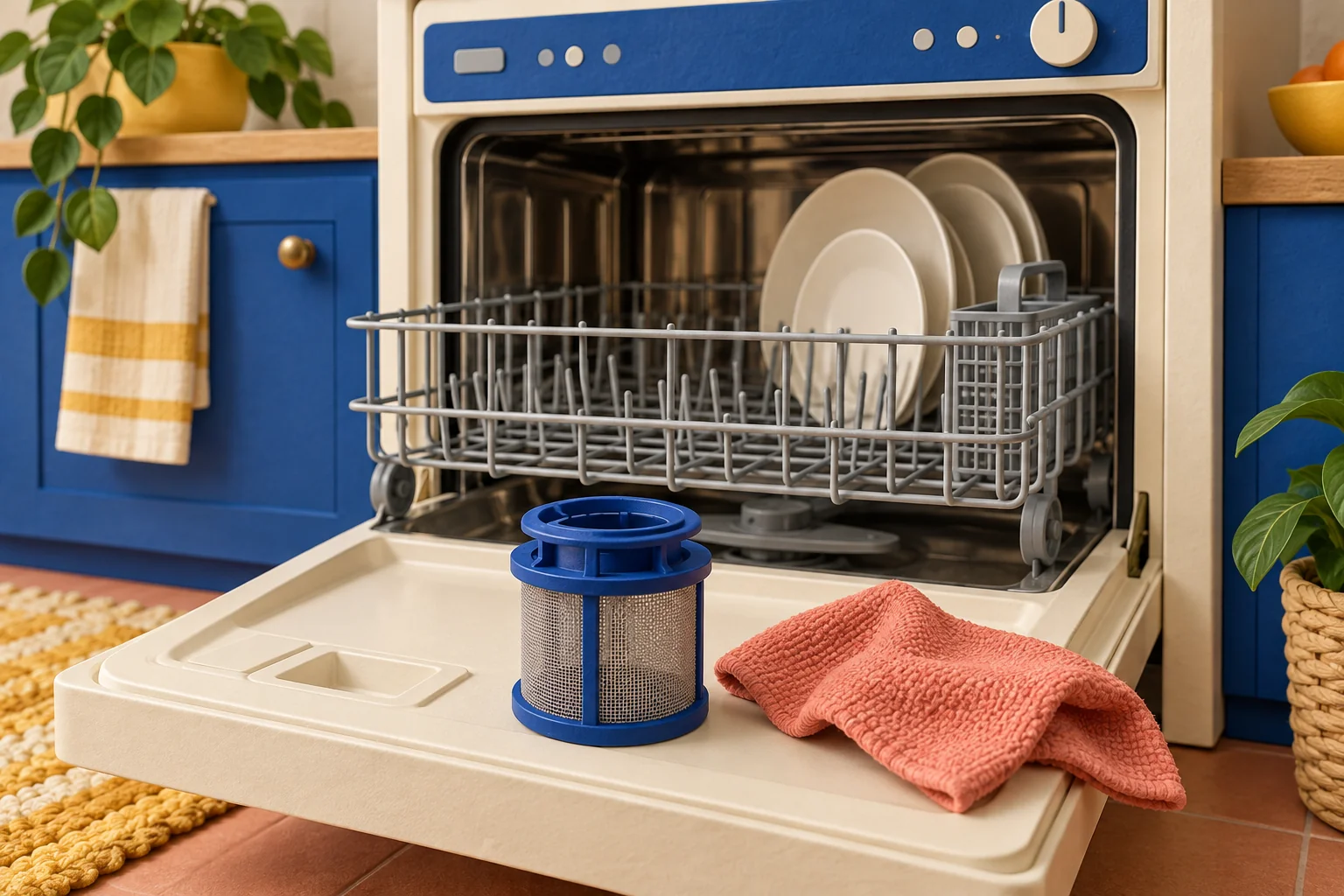
Clear accessible debris, check the filter instructions, and run an approved dishwasher-cleaning cycle without combining products.
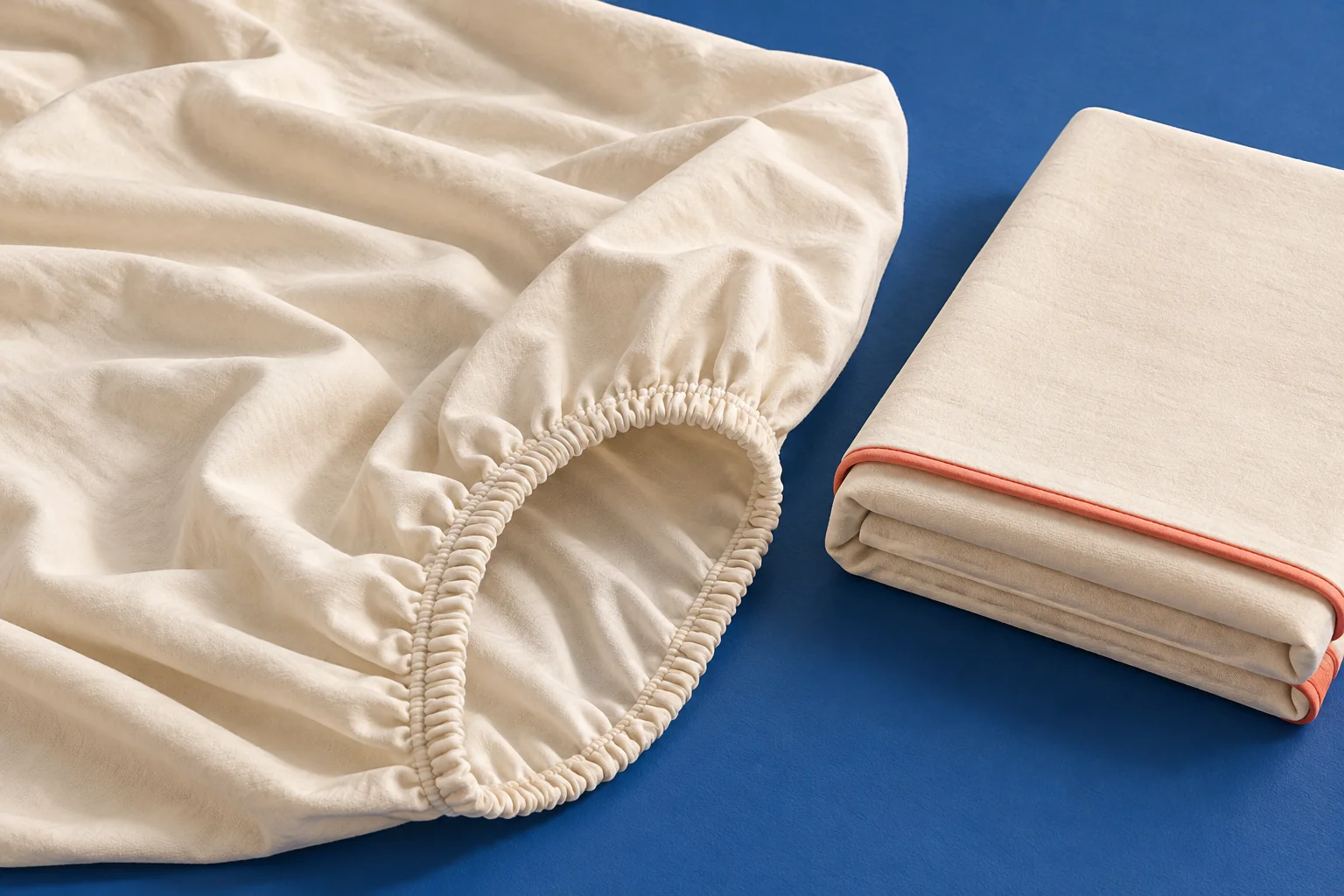
Tuck the corners of a fitted sheet together, flatten the elastic edges, and fold a compact rectangle that fits your linen shelf.

Measure flour by weight or use a spoon-and-level method with a dry measuring cup. Avoid packing in extra flour and check your recipe’s own standard.

Use a US cup-to-tablespoon conversion table, calculate half and quarter cups, and avoid confusing volume with ingredient weight.
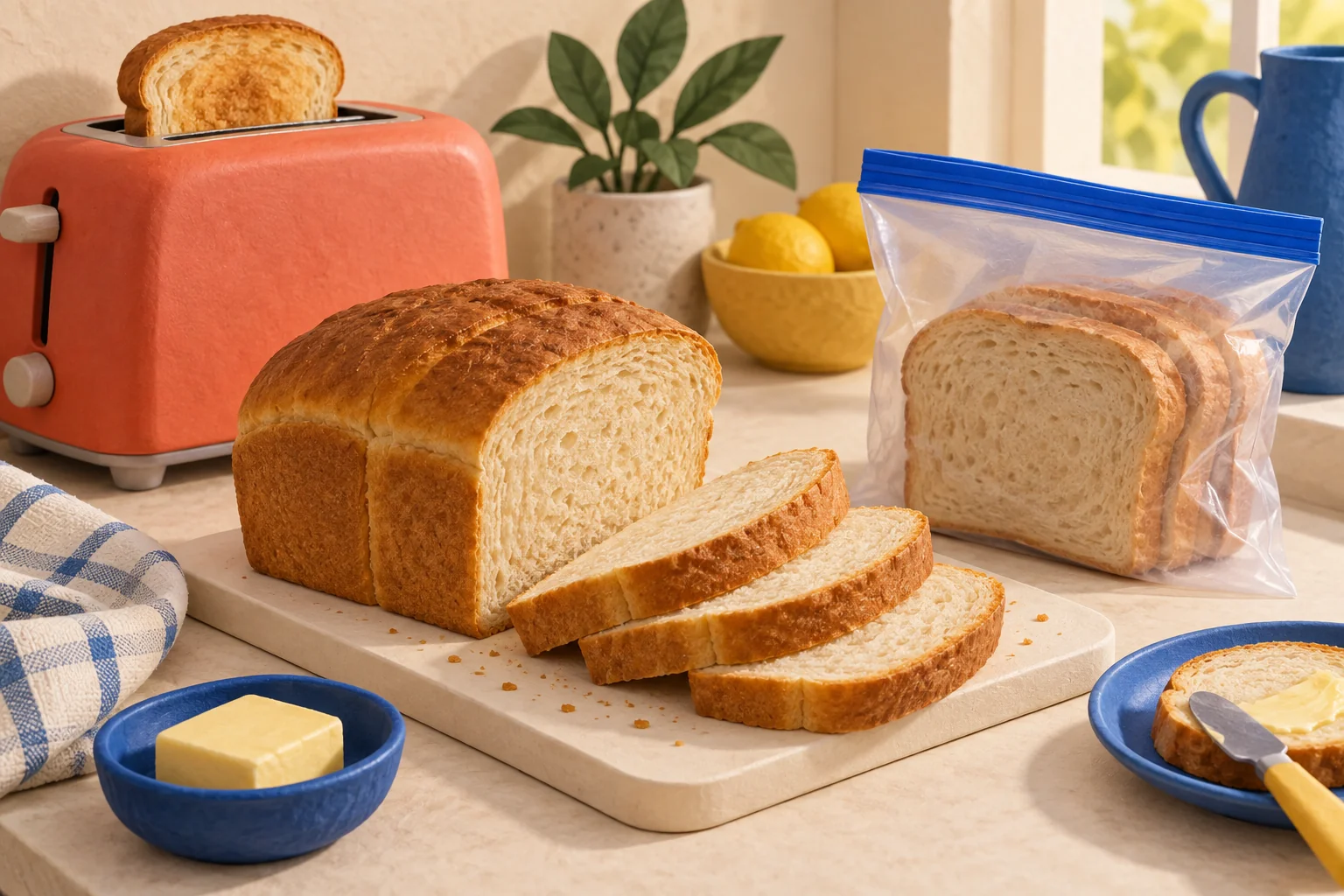
Freeze a cooled loaf or portioned slices, label the package, and thaw bread without repeatedly opening the whole supply.

Bring butter to a workable texture for baking, recognize when it is too soft, and avoid treating melted and softened butter as interchangeable.
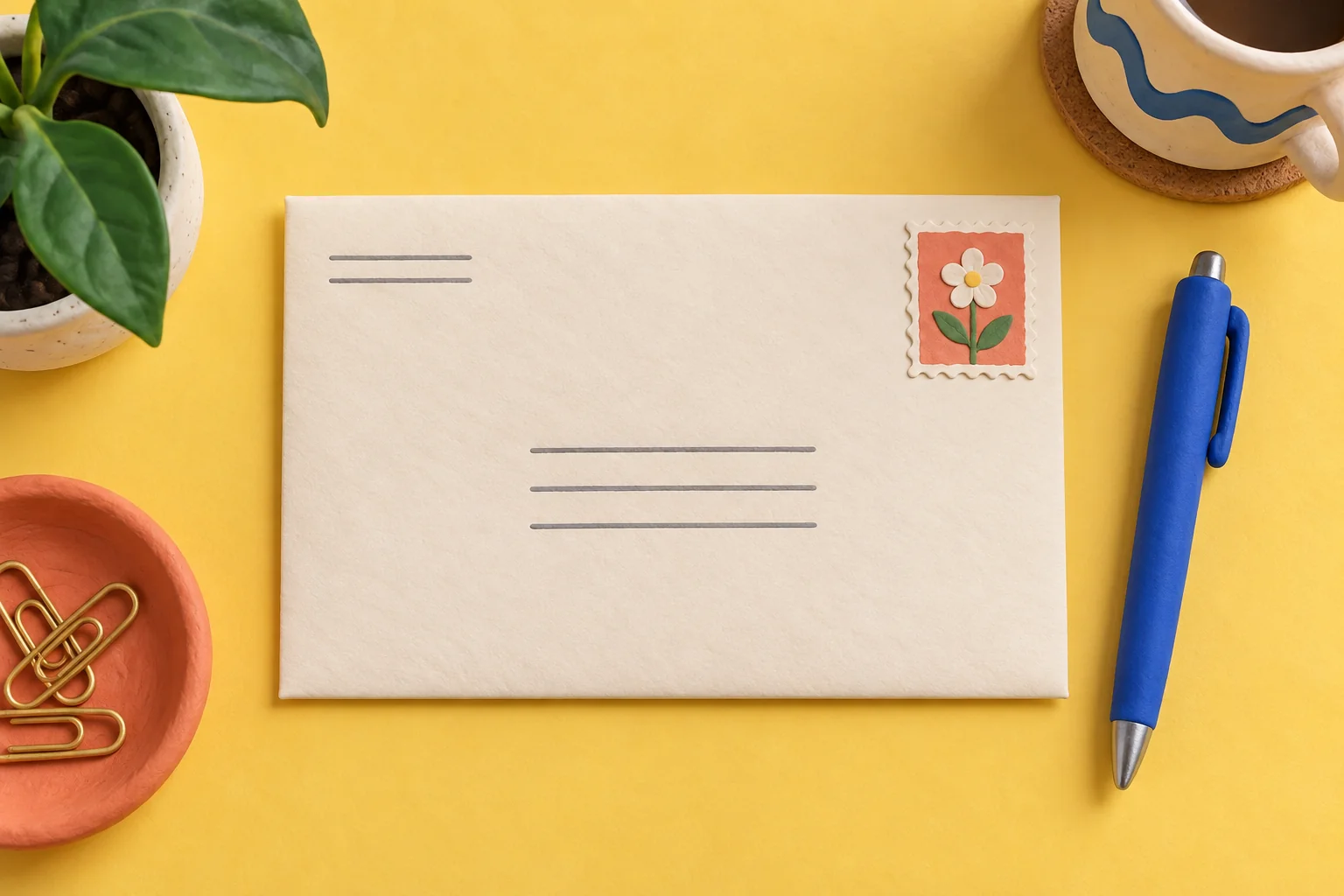
Place the recipient, return address, apartment number, and postage on a US envelope, then check the details before mailing.
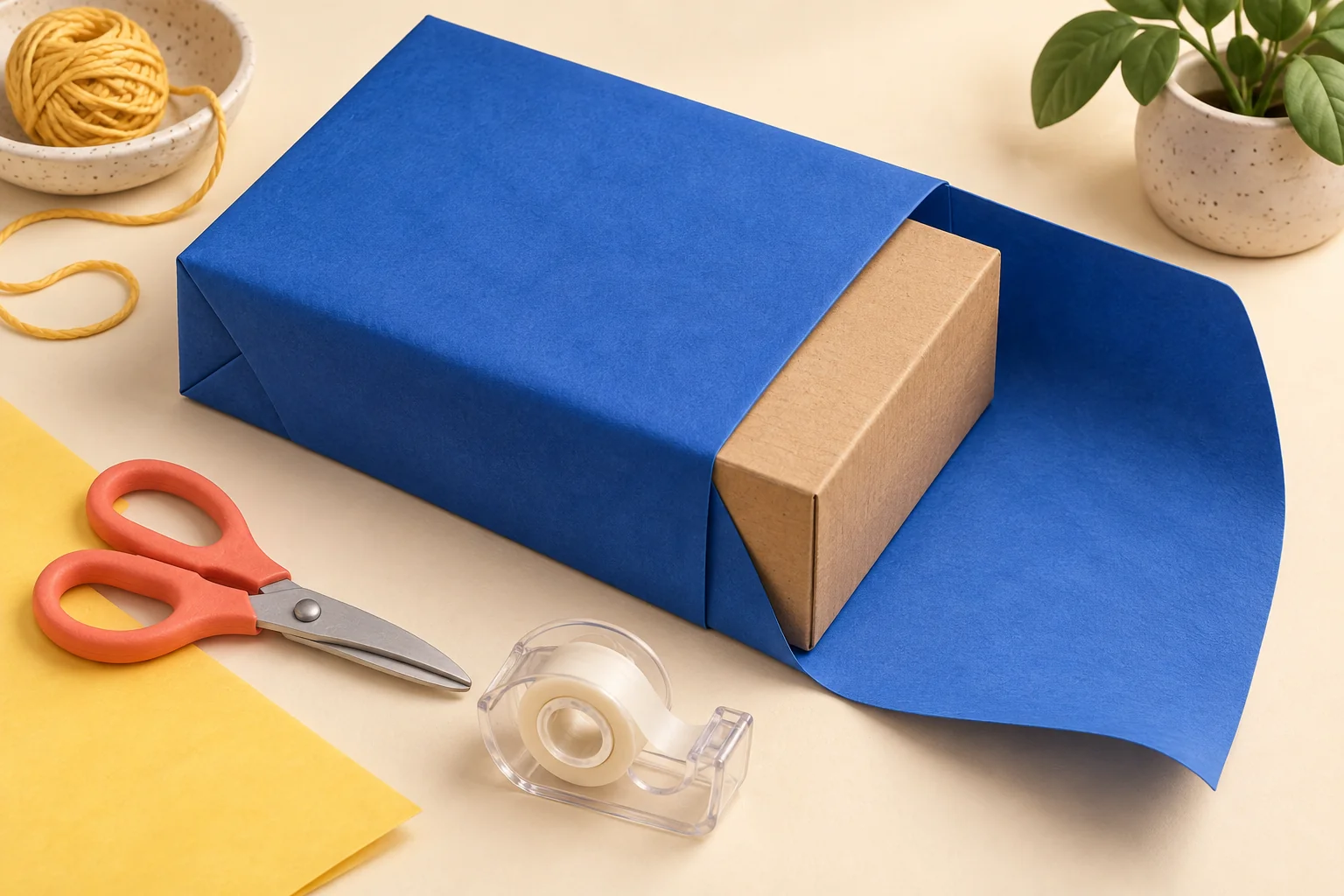
Measure wrapping paper around a rectangular box, fold tidy ends, and fix common problems without starting over.

Check whether a houseplant needs repotting, choose a modestly larger pot, and settle it into suitable potting mix with good drainage.

Build a watering routine around the plant and potting mix instead of a fixed calendar. Check moisture, drain excess water, and notice changing conditions.

Start a potted basil plant with warmth, suitable light, drainage, and a simple watering and harvesting routine.
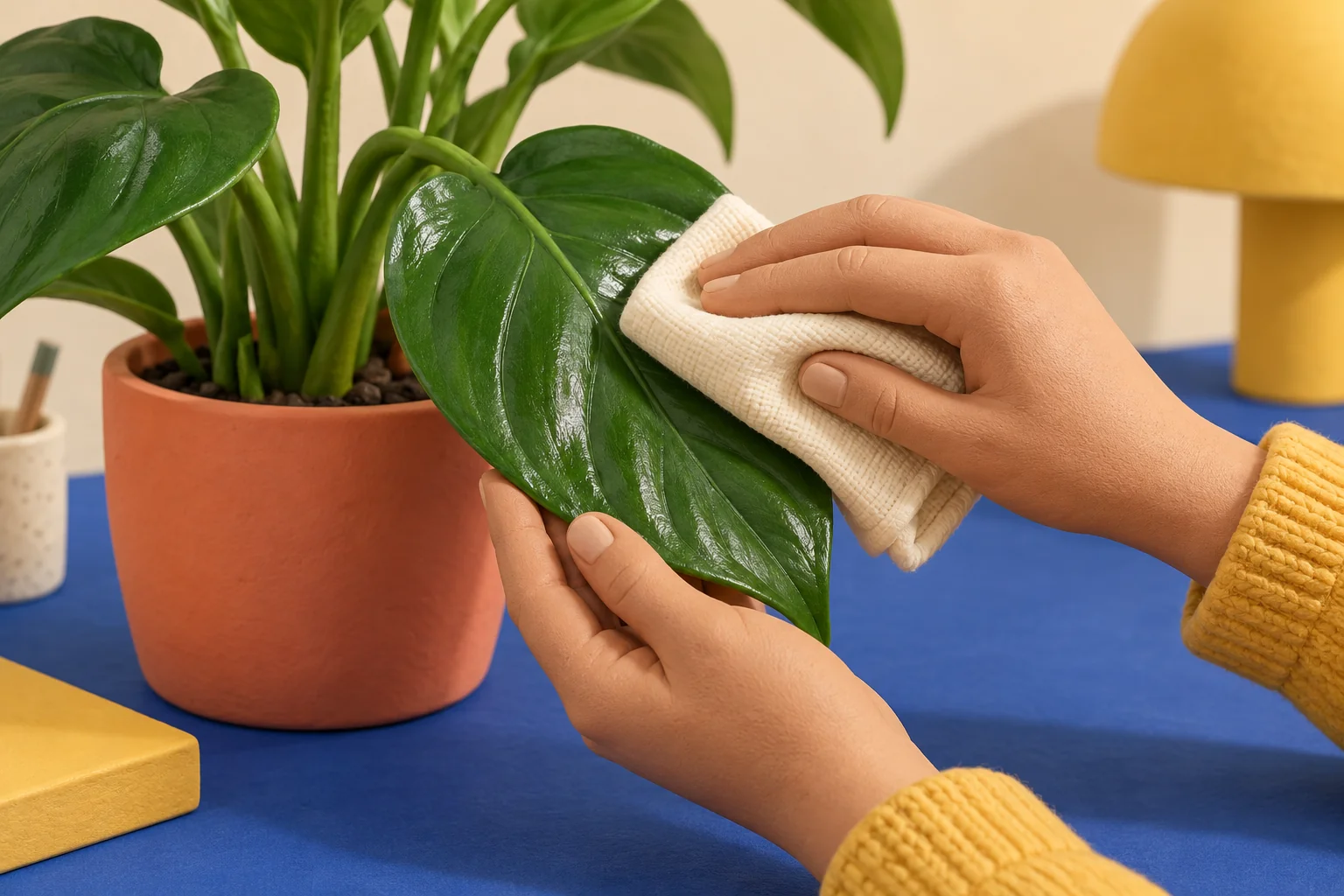
Gently clean dust from smooth houseplant leaves with a damp cloth, support delicate growth, and check for problems without adding shine products.

Start touch typing with home-row placement, short practice sessions, and an accuracy-first routine. Learn what to practice and how to measure useful progress.
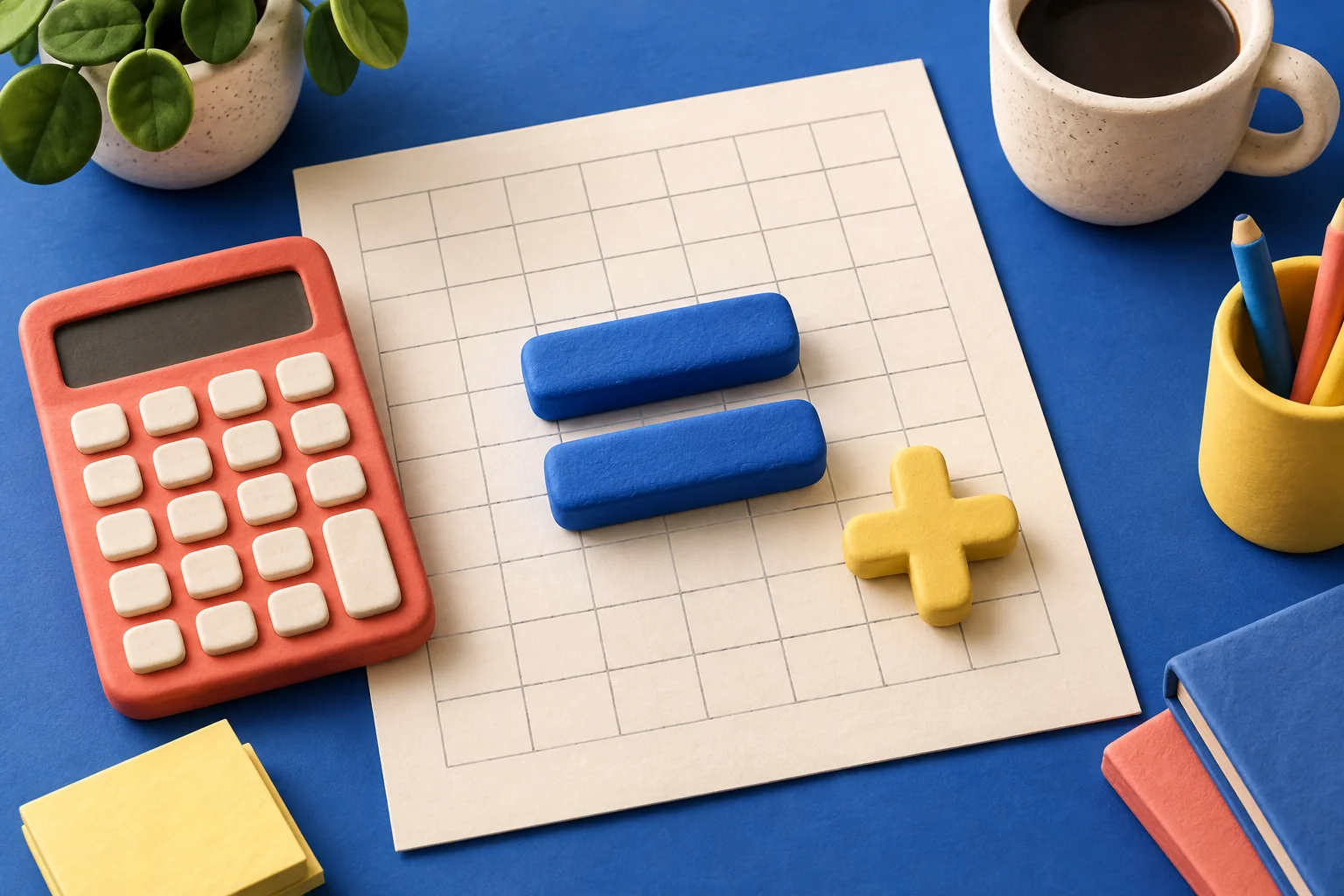
Learn Excel formulas using a tiny practice sheet: multiply values, copy a formula, use SUM, and check the answers before working with real data.
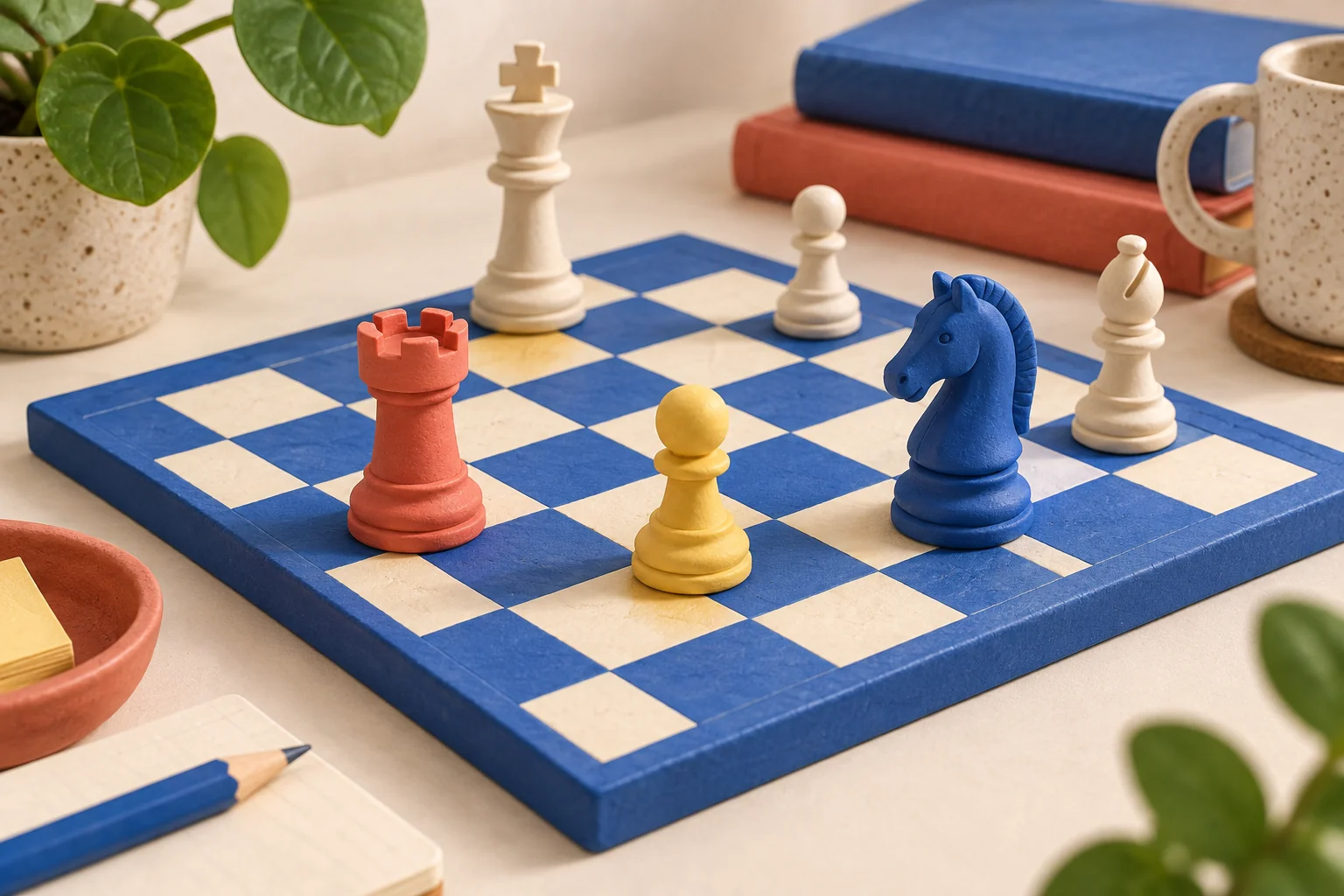
Start learning chess with board setup, a compact piece-movement reference, check versus checkmate, and a simple practice routine for your first game.
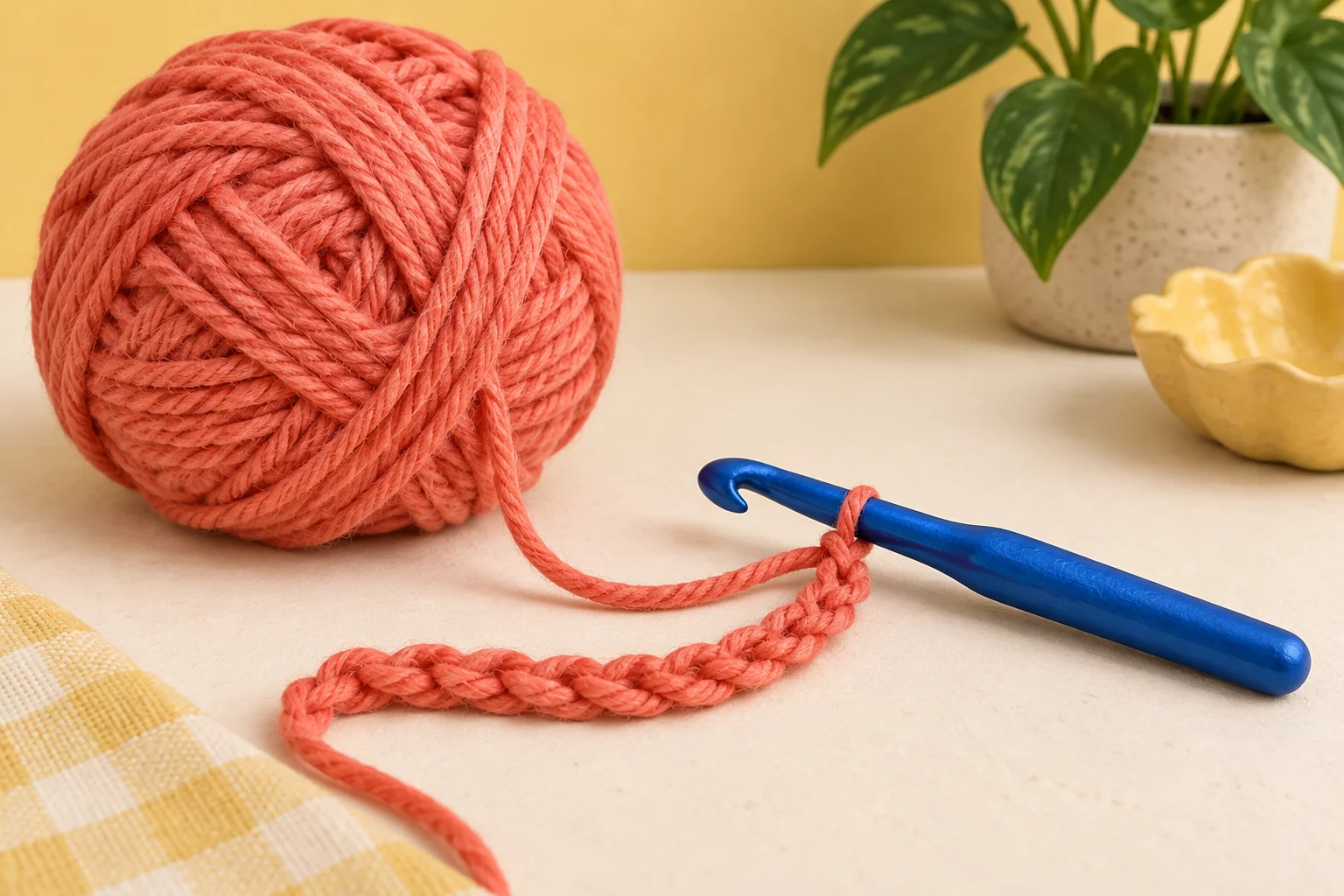
Make a slip knot, work a crochet chain, count the stitches, and loosen an overly tight starting chain. A manageable first exercise for absolute beginners.
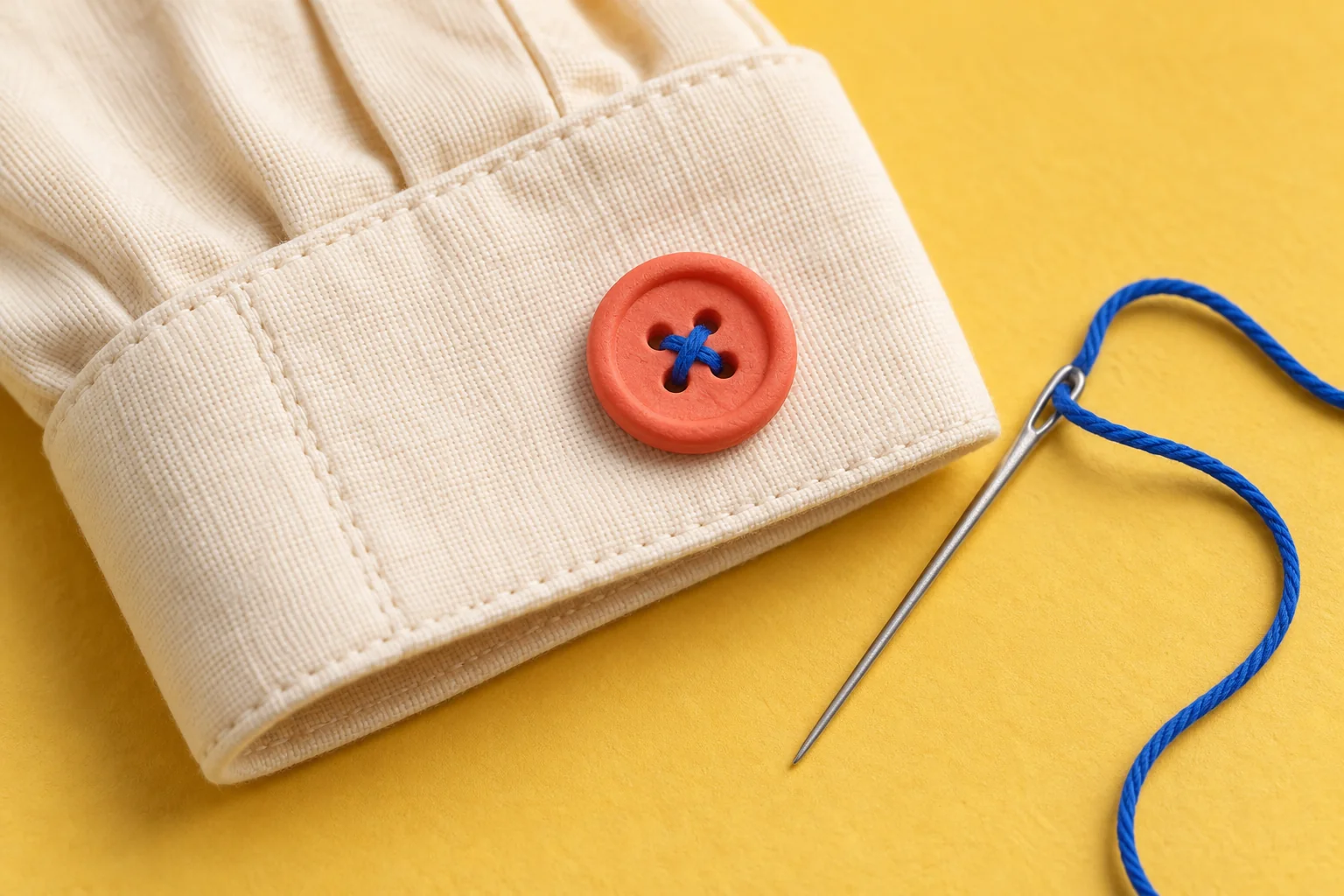
Replace a flat shirt button with a needle and thread. Check alignment, leave space for the fabric, secure the thread, and test the closure.
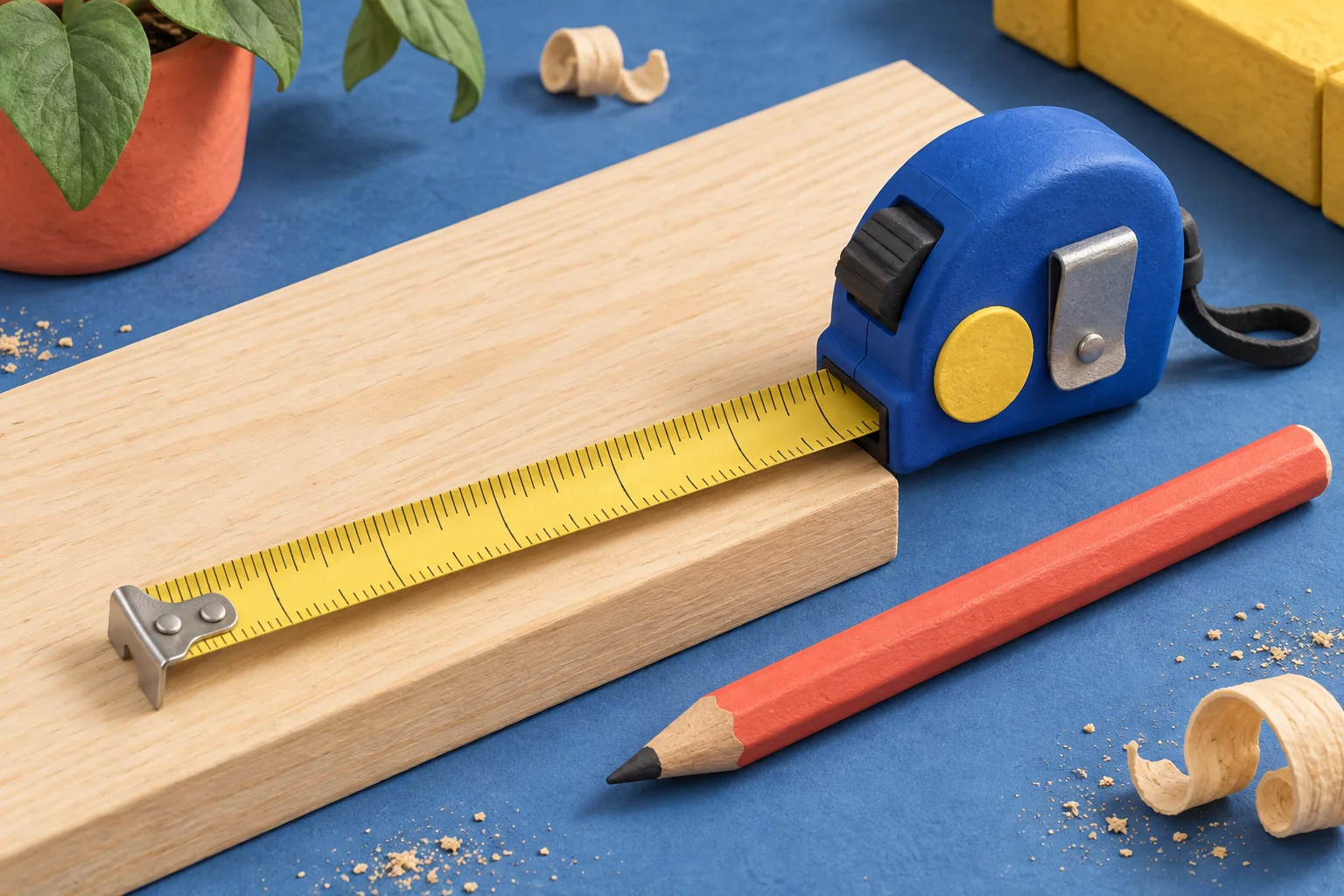
Understand tape-measure marks with worked examples for inches, sixteenths, centimeters, and millimeters. Learn to record a measurement without mixing units.
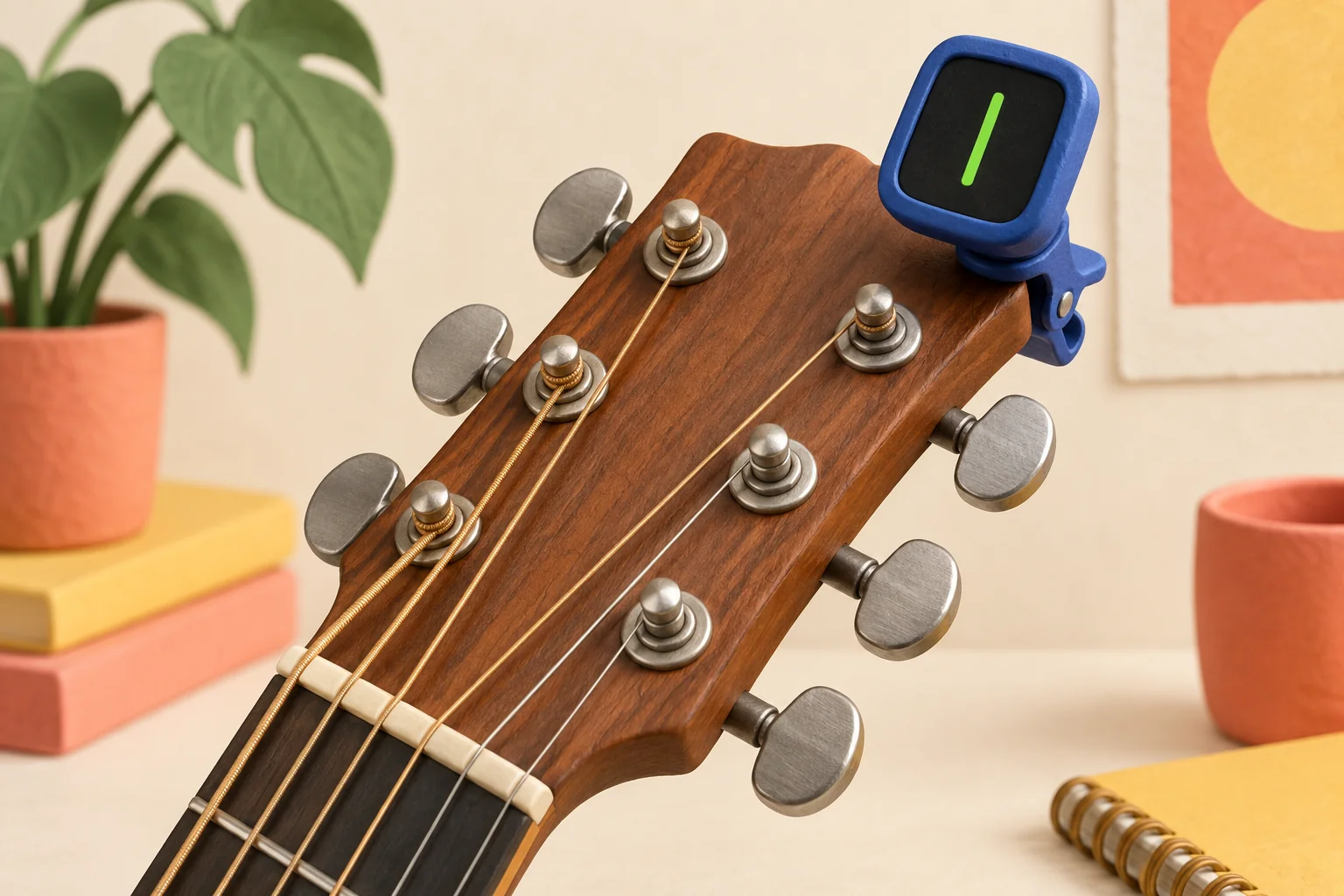
Tune a six-string guitar to E A D G B E using a tuner. Find the correct peg, make small adjustments, and check all six strings again.
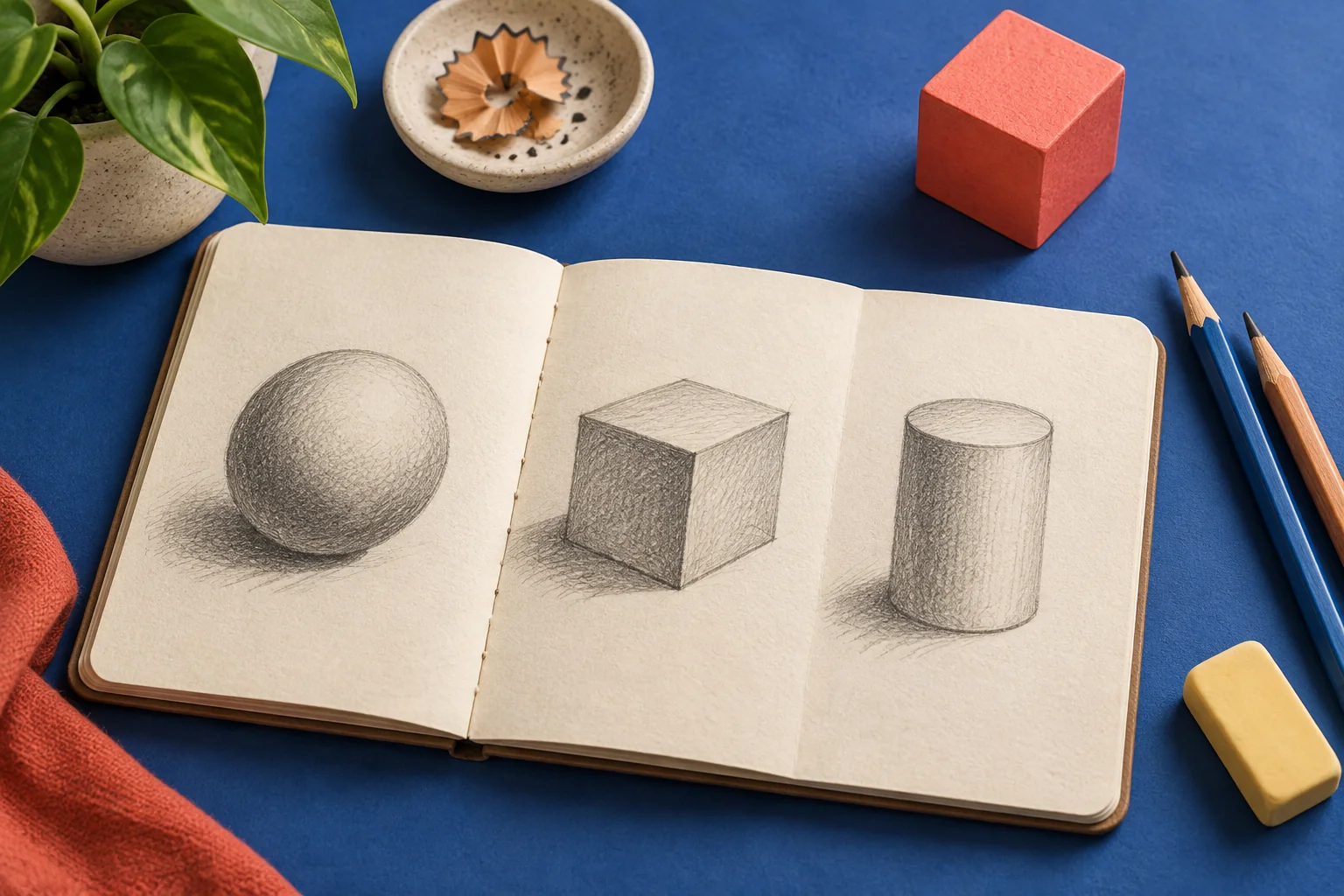
Start learning to draw with a pencil, one household object, and a short exercise in shapes, proportion, and shading. No expensive art supplies required.

Learn how to prompt ChatGPT with clear instructions, useful context and practical examples. Copy templates for writing, learning and planning, then improve the reply.

Write useful Google Gemini prompts for planning, learning and working with files. Follow a practical exercise, copy prompt templates and learn when to reuse instructions in a Gem.
Learn to give Claude useful context, separate instructions from reference text, compare documents and revise writing. Includes copyable prompts and troubleshooting examples.
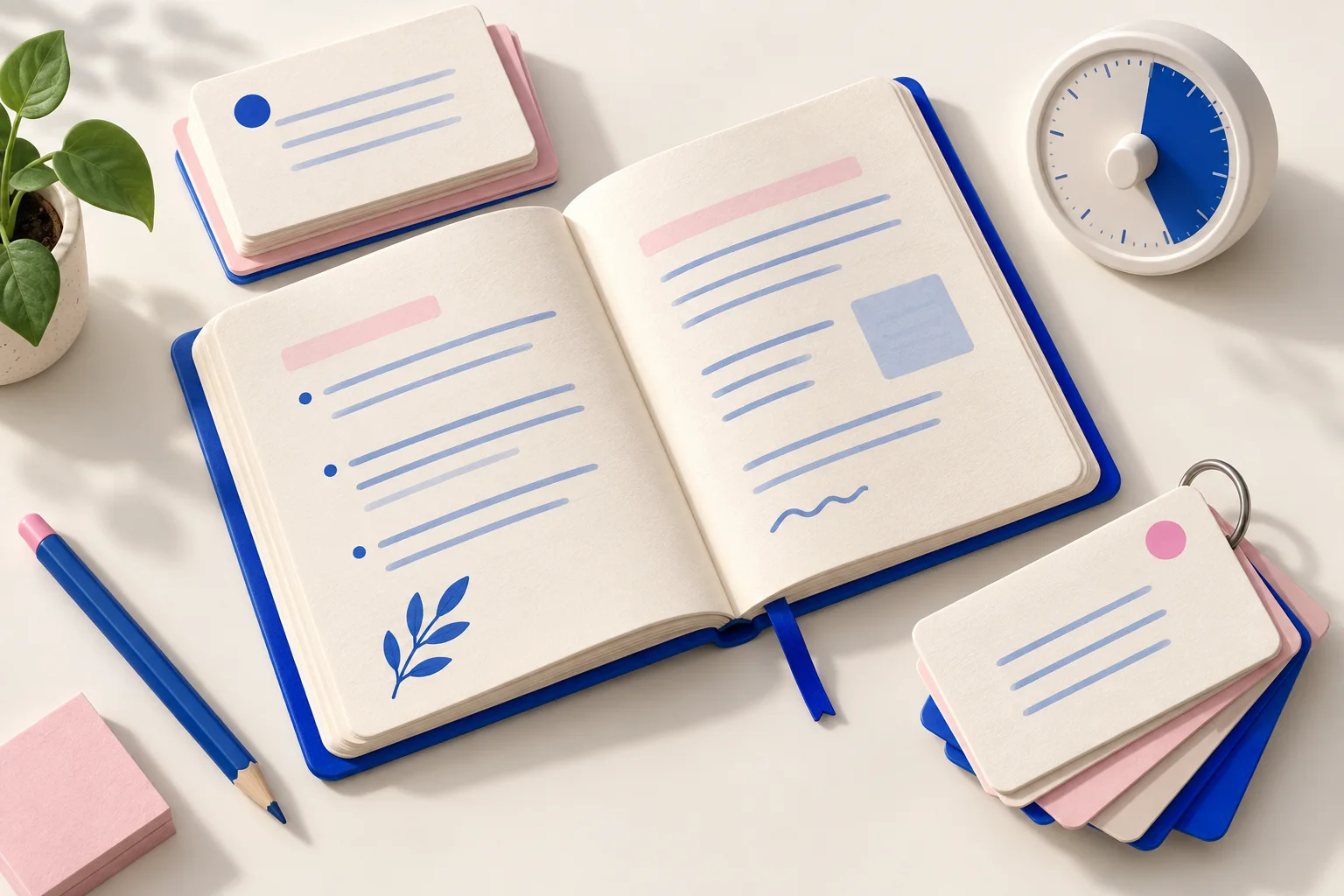
Use ChatGPT, Gemini or Claude as a study partner. Try copyable prompts for practice questions, flashcards and a realistic revision schedule.

Use ChatGPT, Gemini or Claude to improve resume bullets, compare a job description and check your draft without making up skills or achievements.
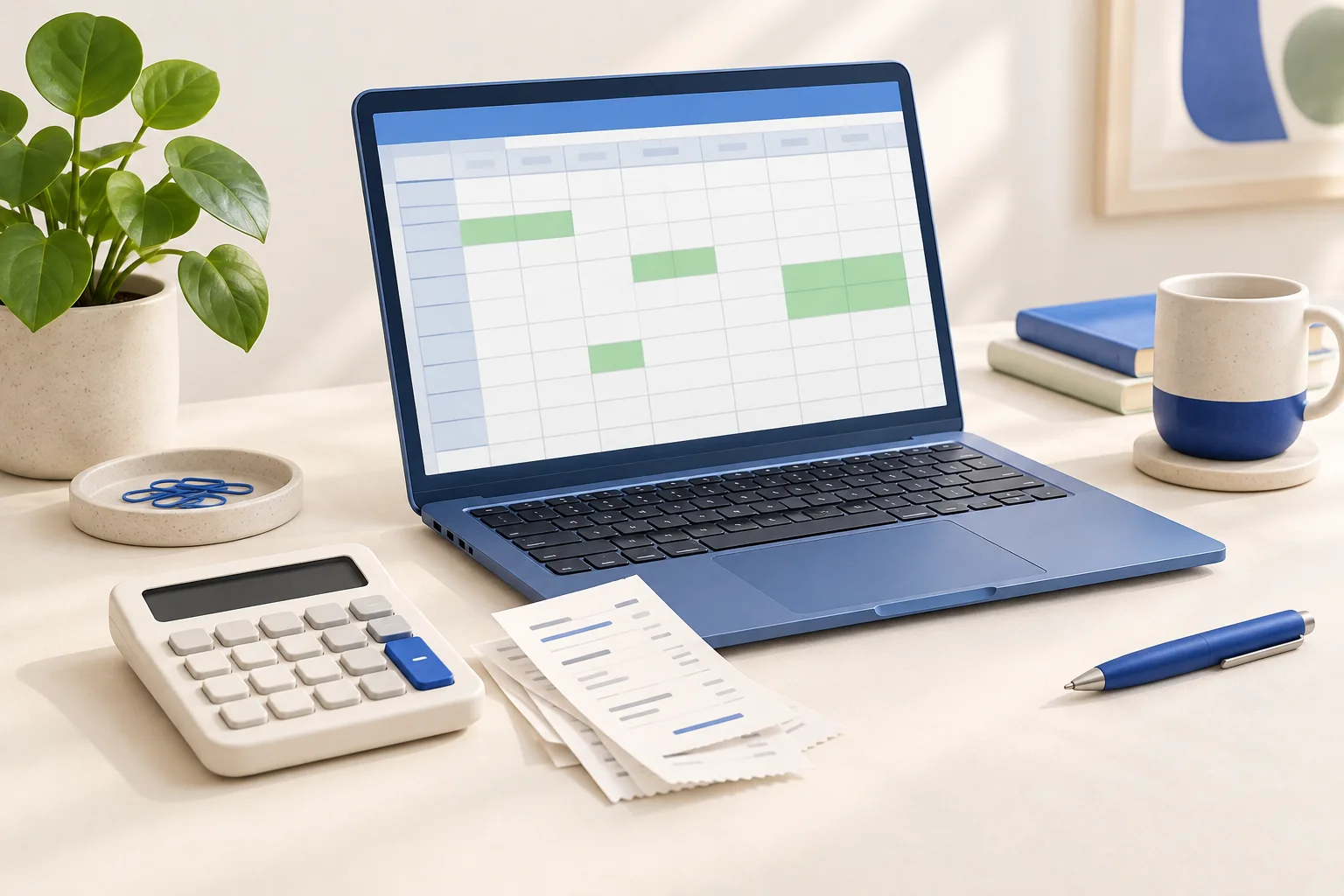
Write better spreadsheet prompts for ChatGPT, Gemini or Claude. Build a SUMIF example, test expected totals and troubleshoot formulas before using real data.

Use ChatGPT, Gemini or Claude to investigate a coding error. Supply a minimal example, ask for a small fix and verify it with concrete tests.
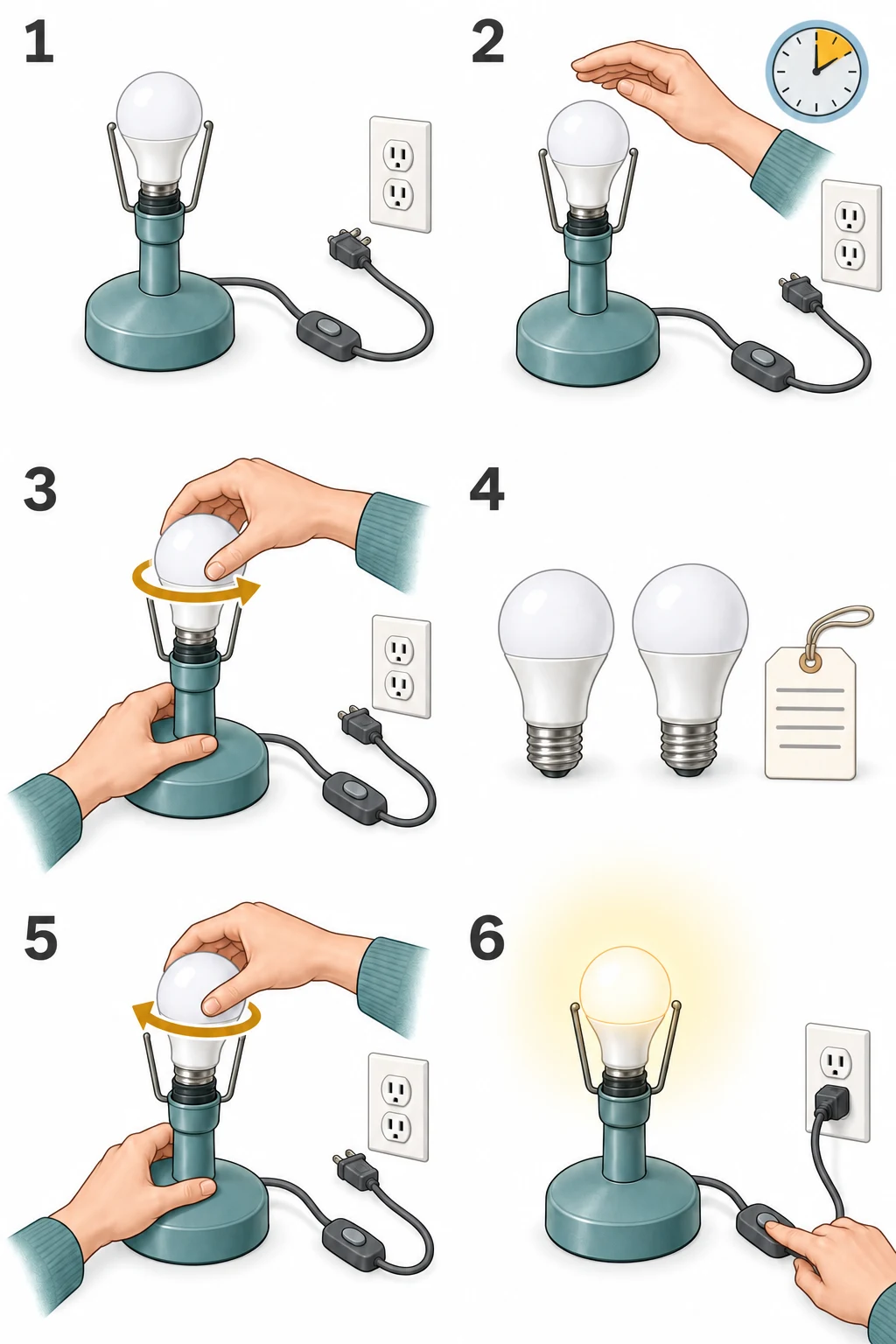
Replace an ordinary screw-in light bulb safely, match its base and wattage, and know when a damaged socket needs repair.
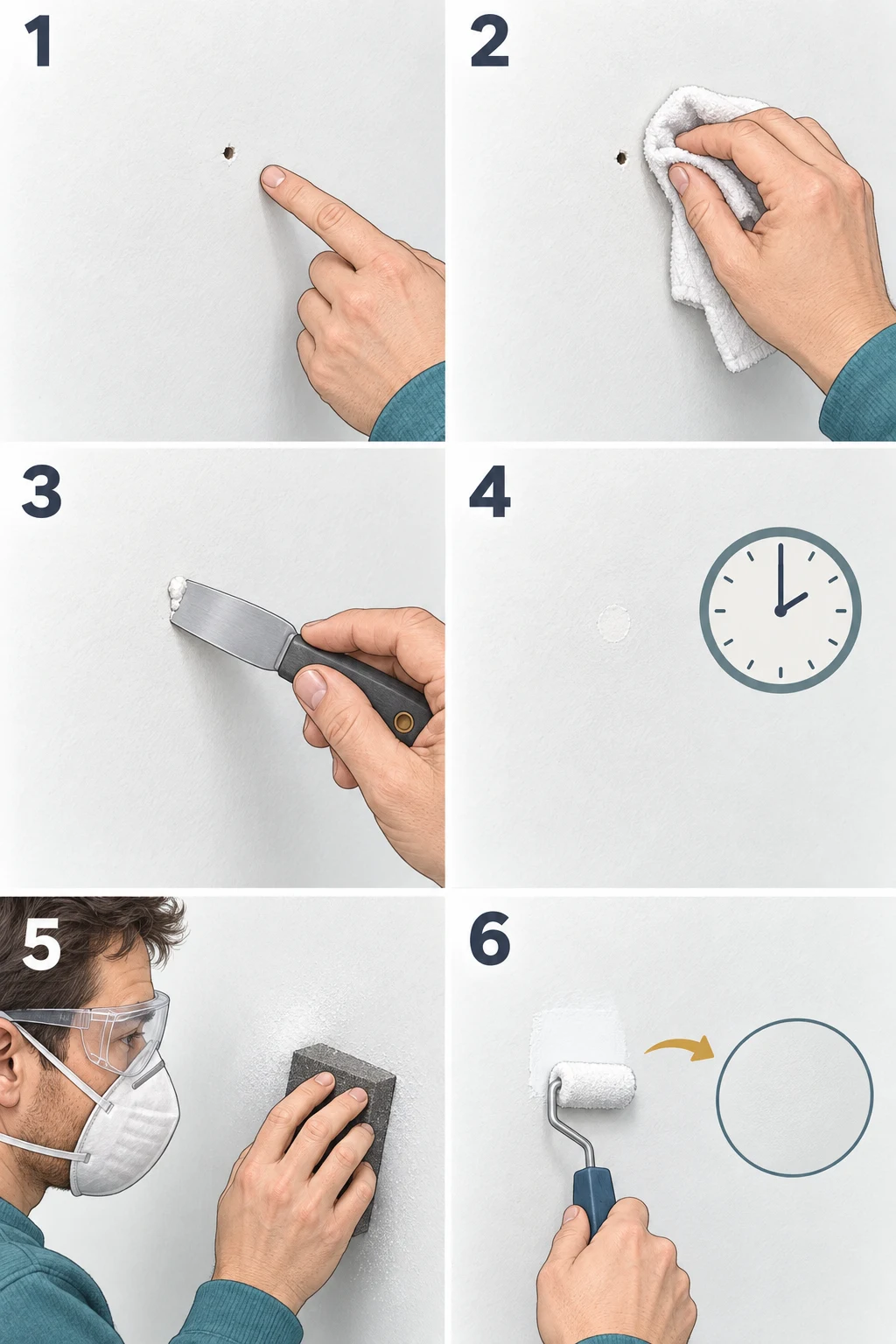
Fill nail holes and shallow dents with spackle, smooth the repair, and prepare it for paint without making the patch stand out.
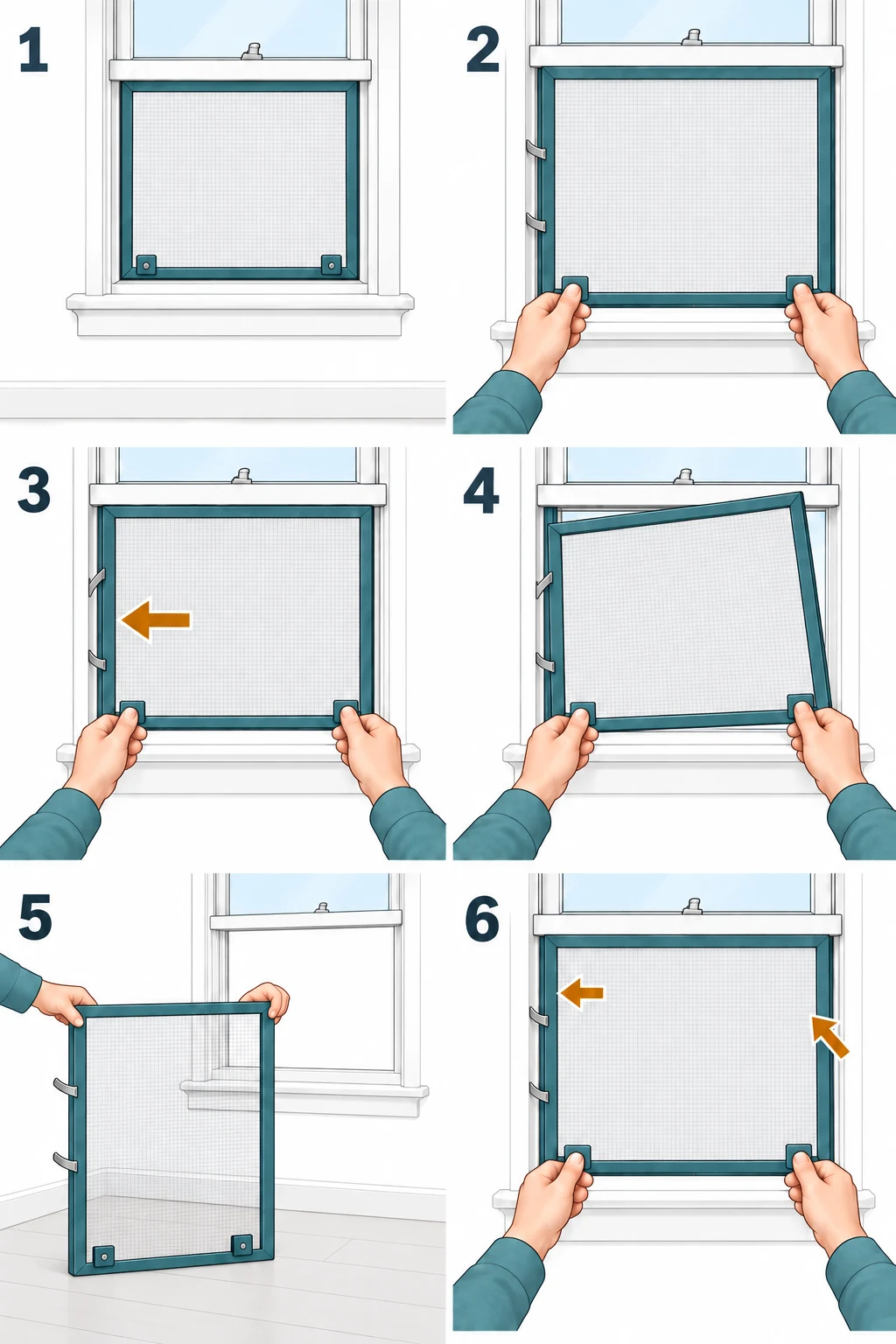
Remove a side-spring window screen without pulling the mesh, bending the frame, or confusing it with the glass sash.
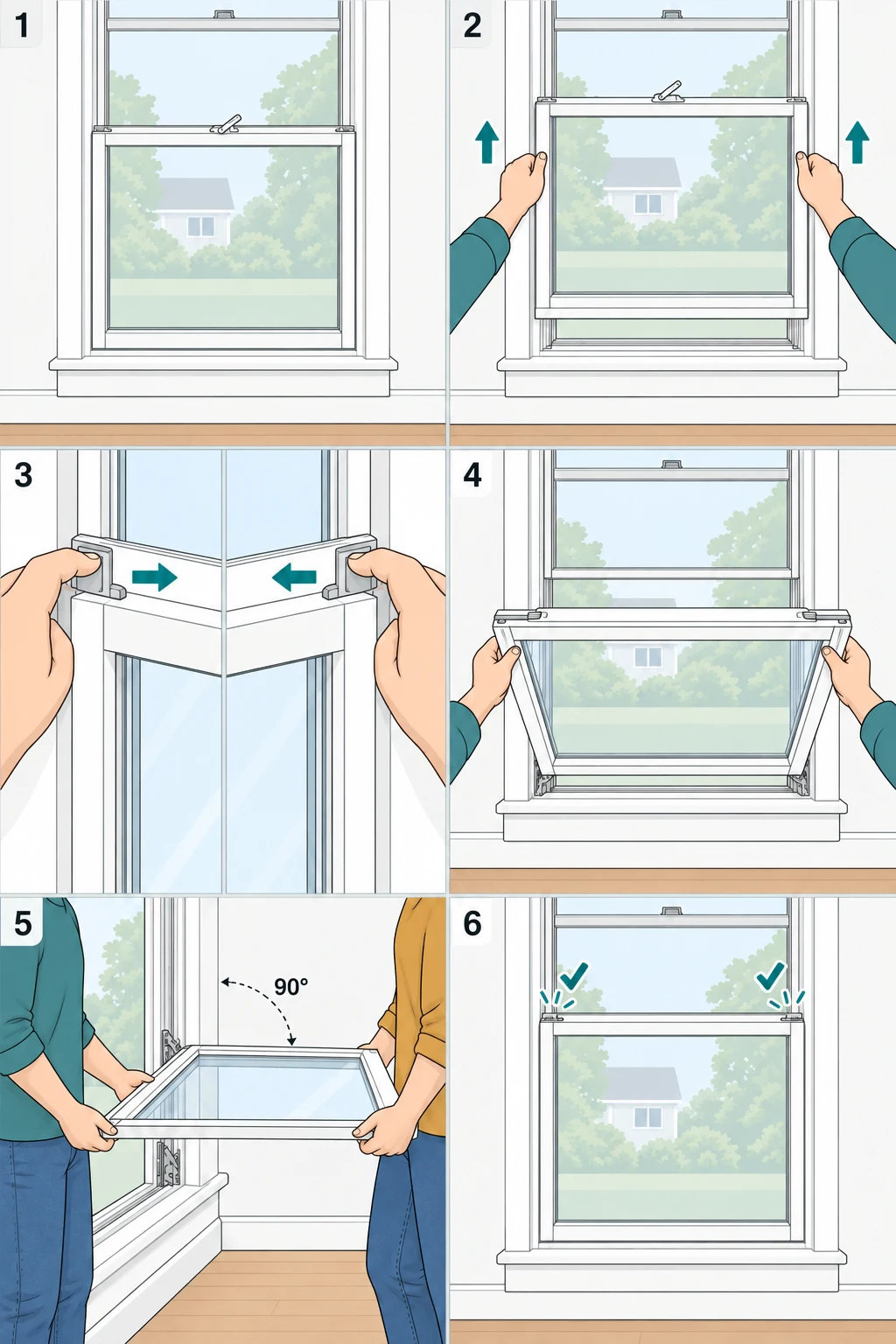
Identify tilt latches, support a lower window sash, clean it indoors, and understand why complete sash removal needs the exact model procedure.
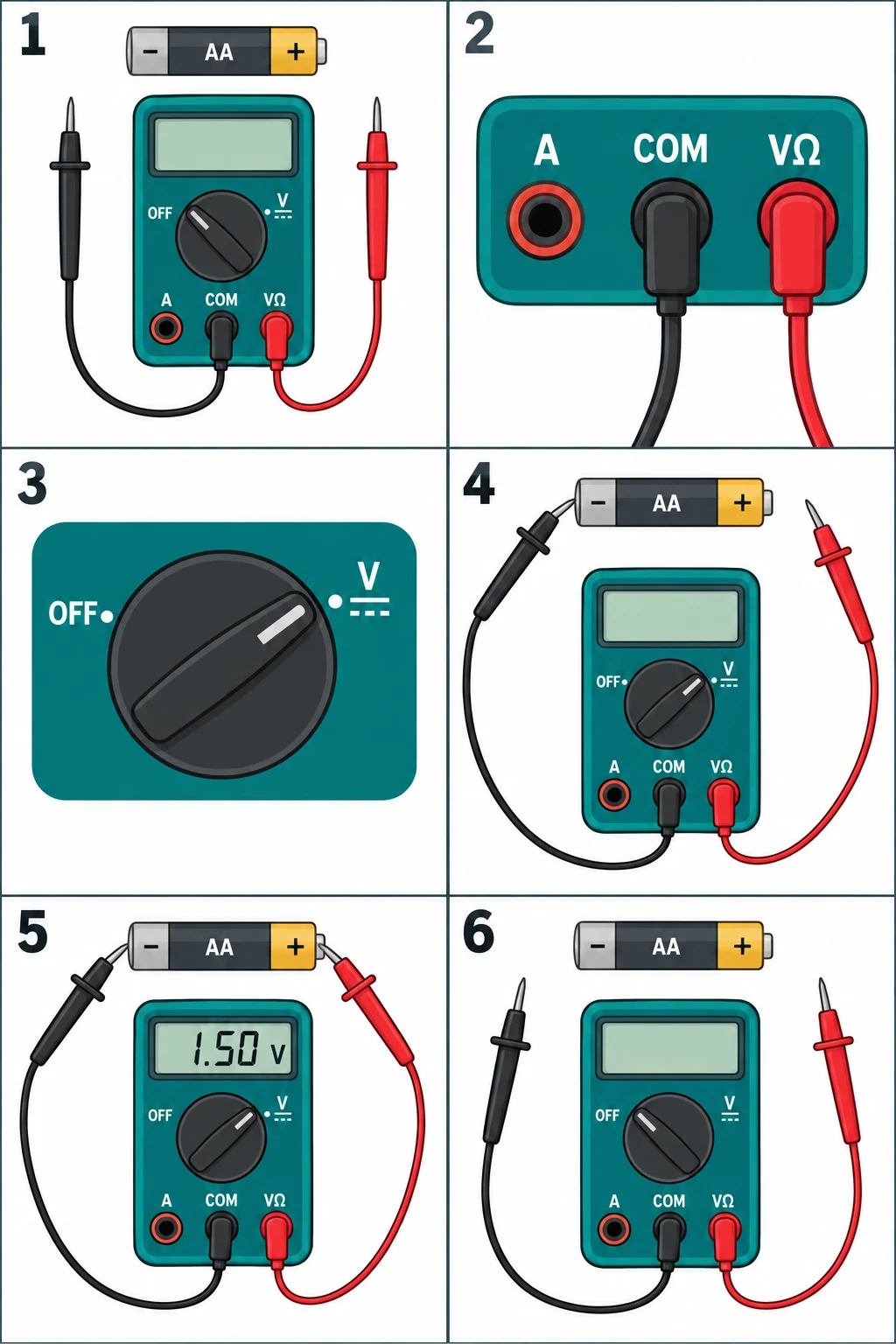
Learn COM and V sockets, select DC volts, and take a simple AA battery reading without using the current input or household wiring.
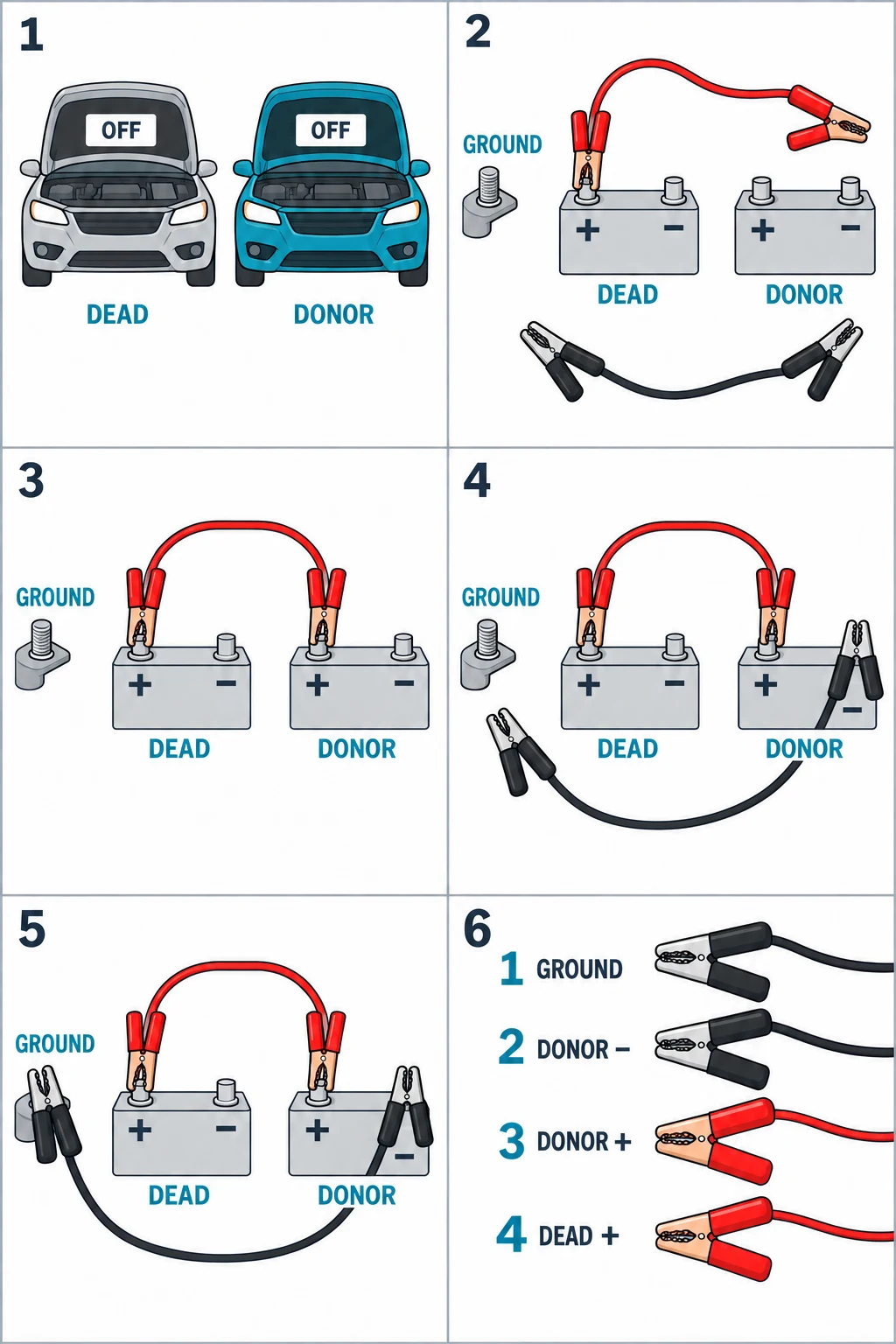
Follow the jumper-cable connection order, locate the correct ground point, and remove the clamps safely after a successful start.
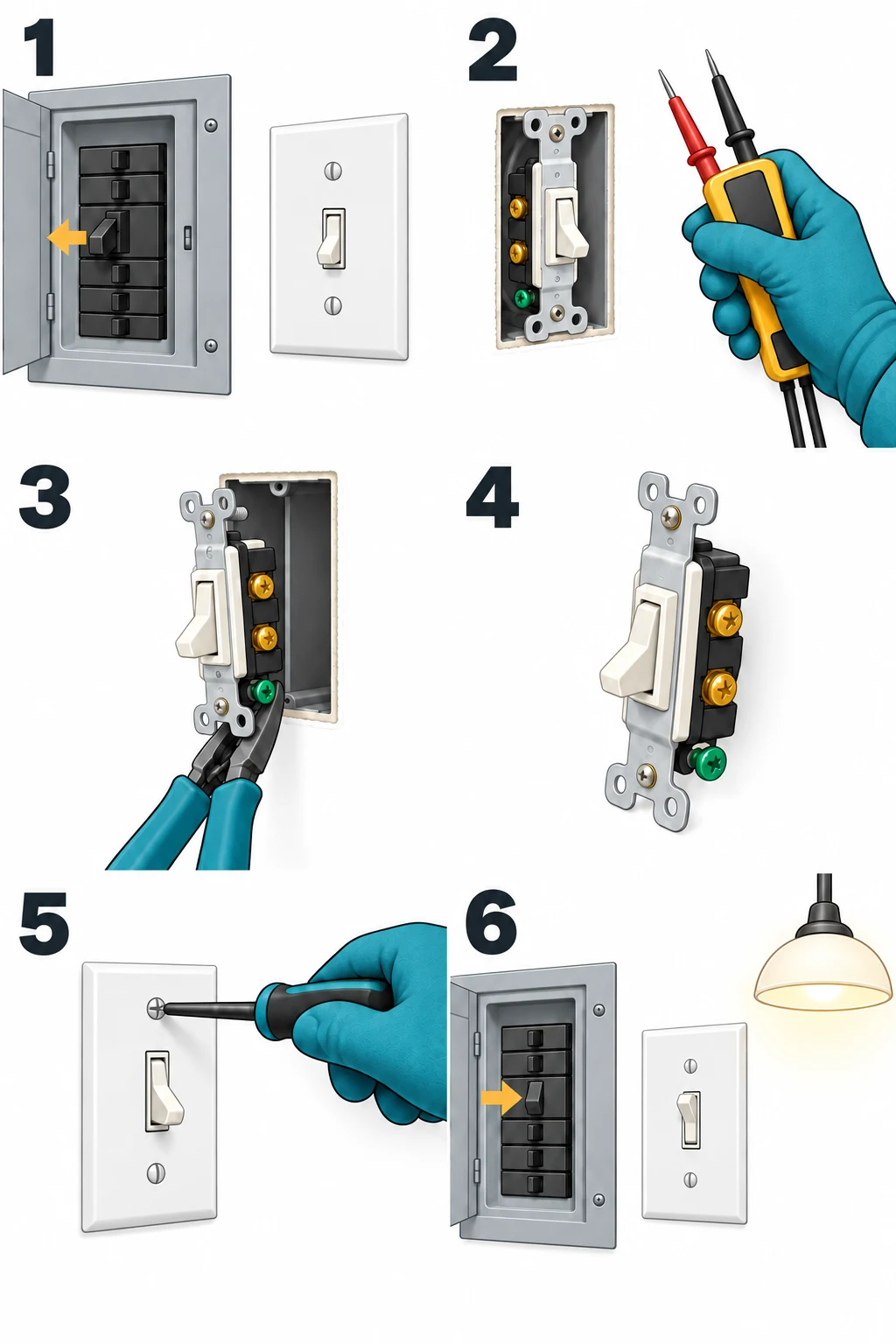
Understand a basic single-pole switch replacement, verify power is off, identify when to stop, and use the exact switch manufacturer’s wiring instructions.
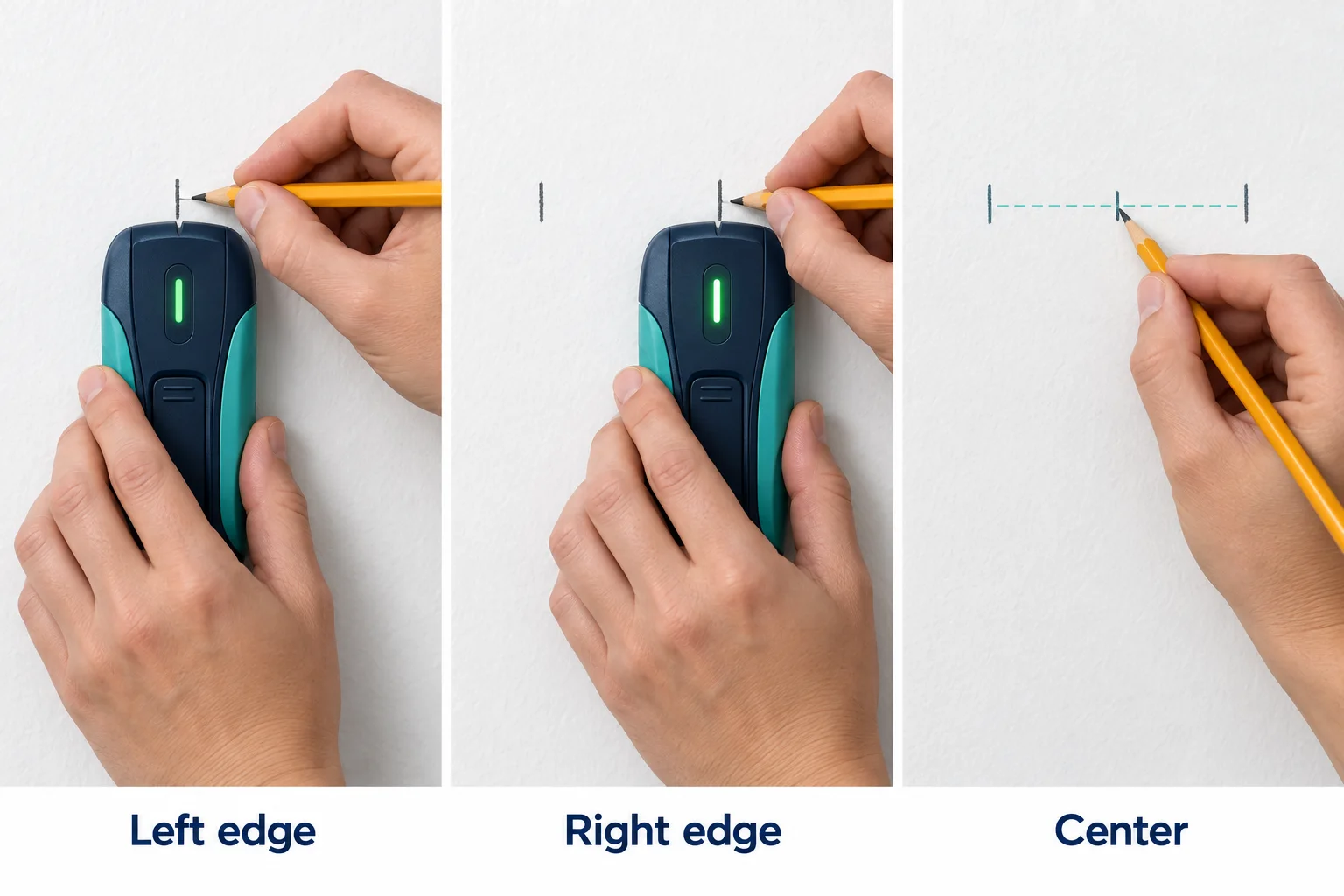
Hang a framed picture with the right wall anchors or stud fixing. Follow the stud-finder demonstration, measure the hanger position, and level the frame.
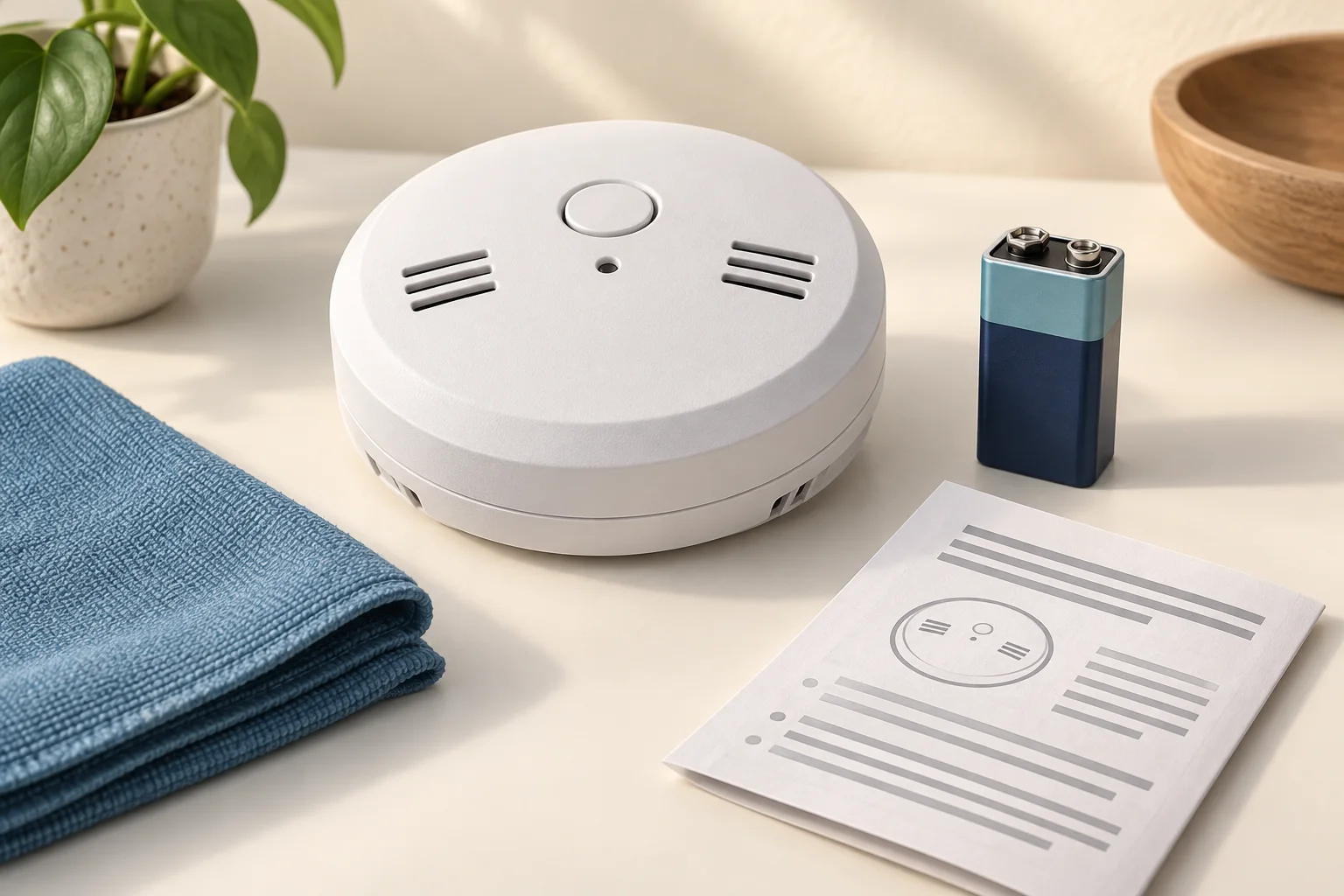
Change a replaceable smoke detector battery, match the correct battery type and polarity, close the compartment, and test the alarm afterward.

Lubricate accessible garage-door hinges and serviceable roller bearings, keep tracks clean, and recognize parts that need professional service.
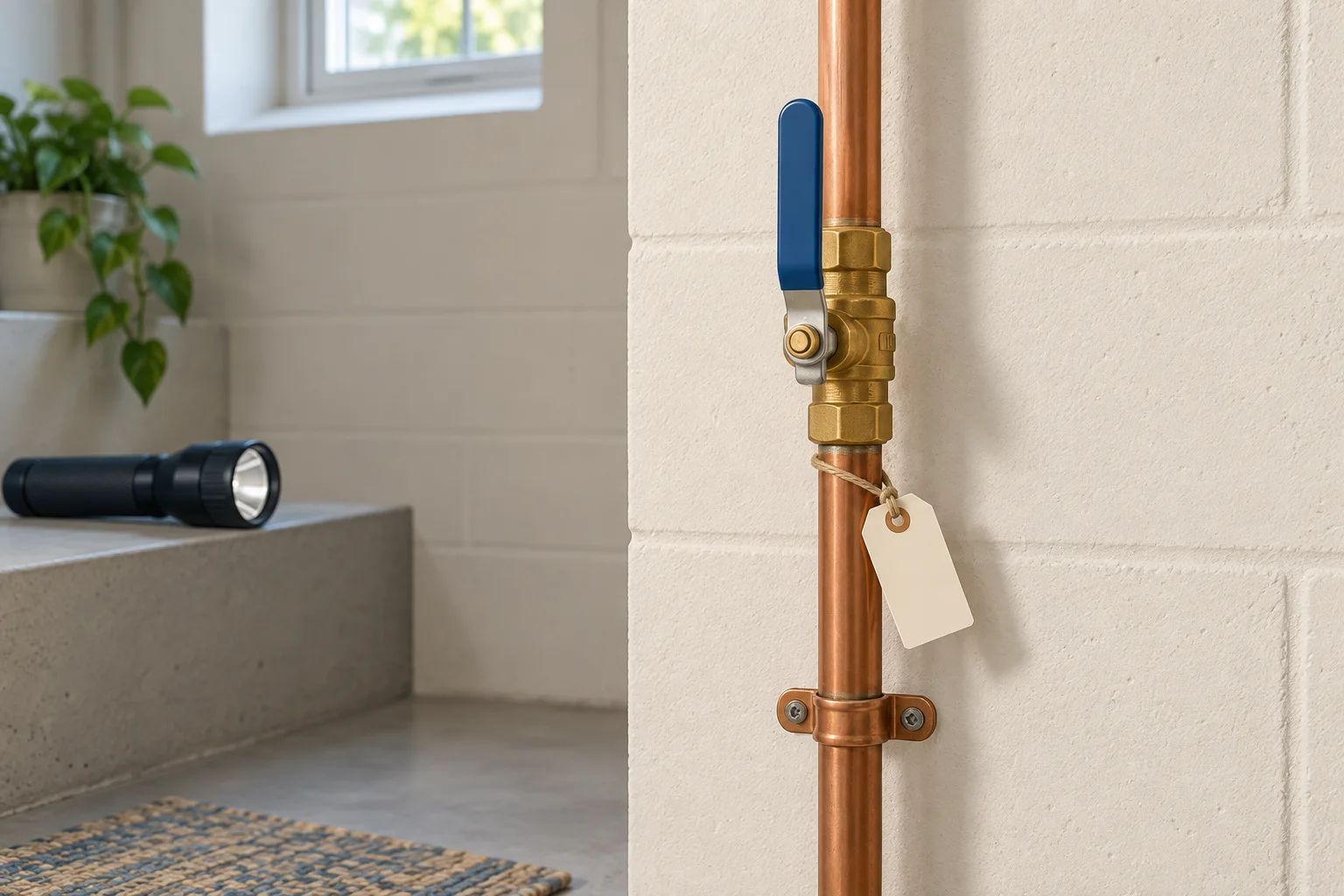
Find your indoor main water shutoff, recognize lever and wheel valves, check that the supply is off, and reopen the supply slowly after a repair.
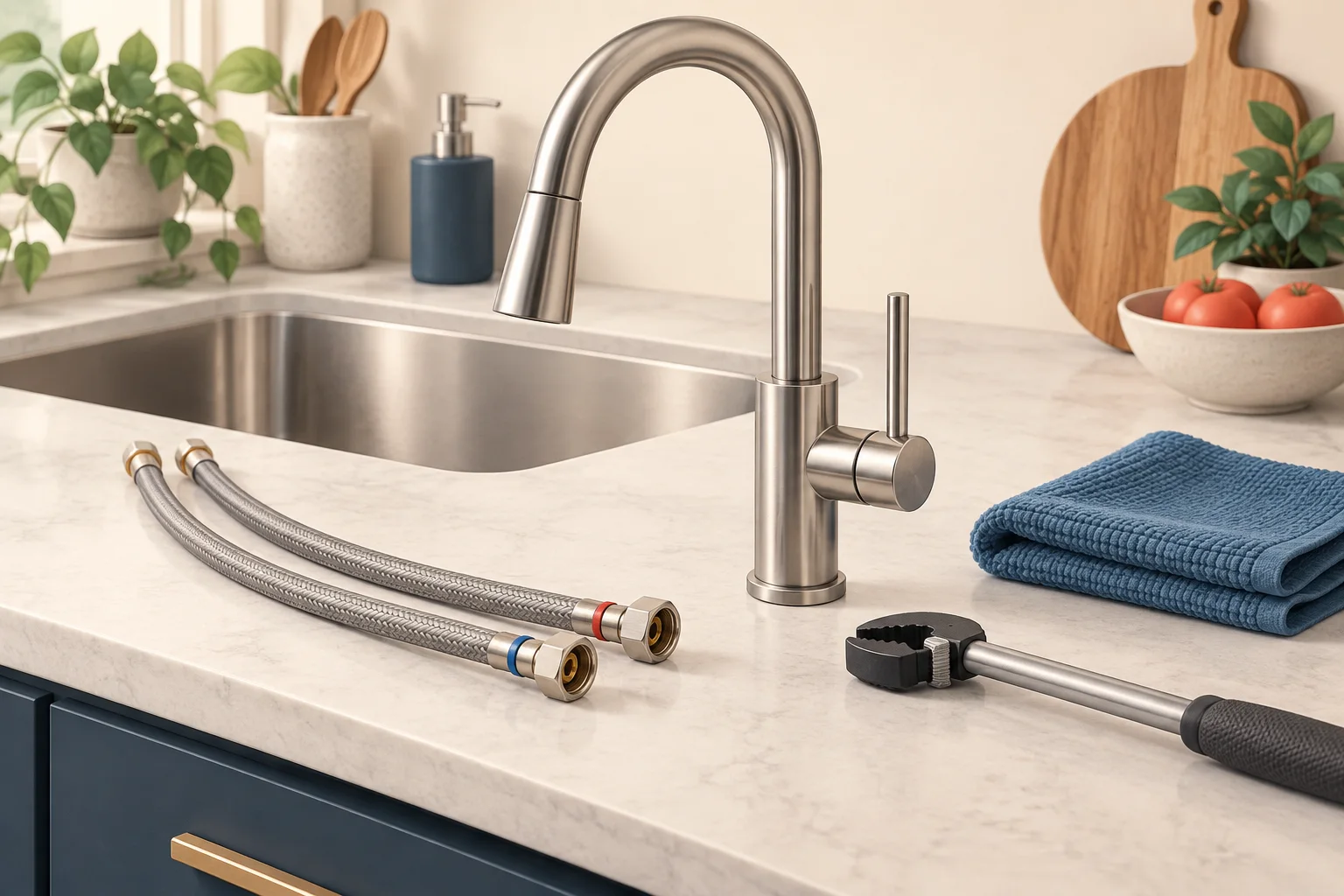
Change a sink-mounted kitchen faucet with a clear removal and installation sequence, including shutoff checks, mounting hardware, supply connections and leak testing.

Compare Audible Standard and credit-based plans, choose your first audiobook, download it for offline listening and check what happens when you cancel.

Find included Kindle Unlimited books, read on a phone or tablet, manage borrowed titles and understand renewal and cancellation before subscribing.
Check the US age or higher-education eligibility route for Prime for Young Adults, prepare verification and compare the renewal terms before signing up.
Prepare an Amazon Business registration, separate work and personal orders, and understand the difference between a free account and a business Prime membership.
Create an Amazon baby registry, choose privacy settings, add the right quantities and share a focused list with family and friends.
Choose a realistic Subscribe & Save delivery schedule, compare unit prices, review upcoming orders and skip or cancel deliveries you do not need.